Python CSV Totals with Decimal: Validate Input and Control Rounding
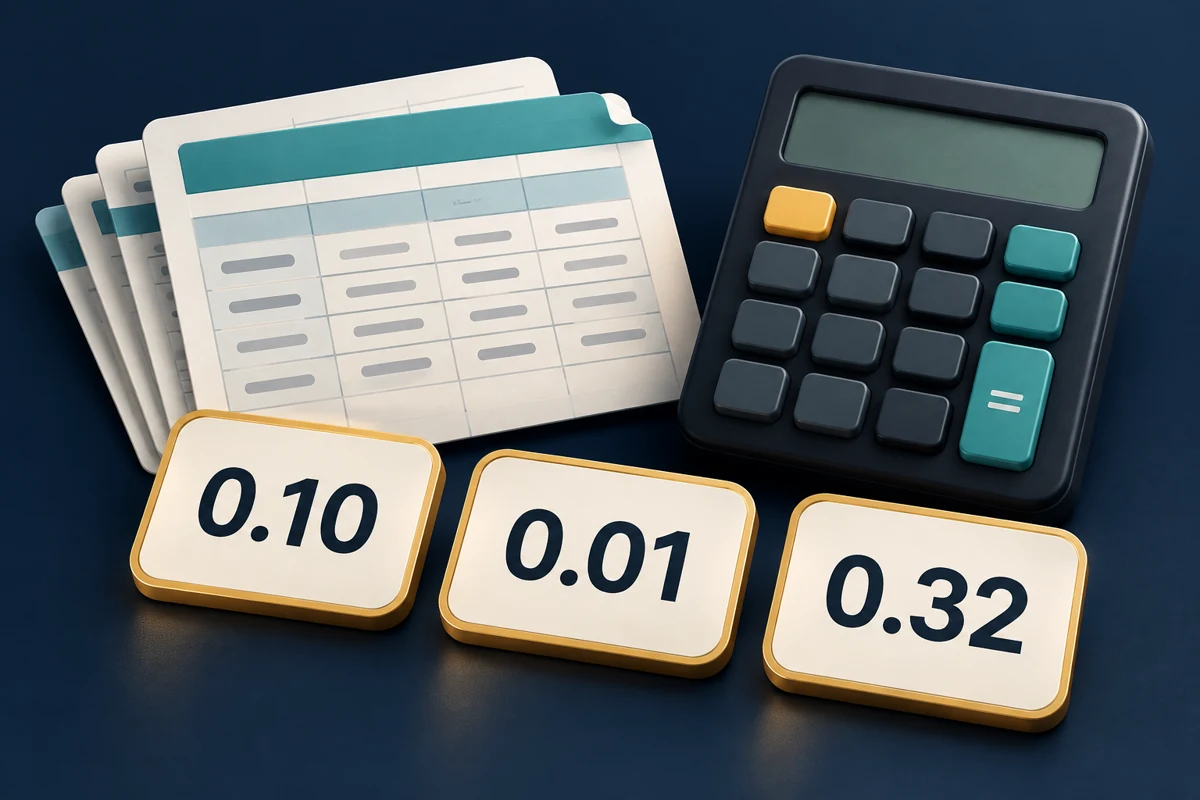
CSV unit prices look simple, but totals calculated with float can contain unexpected trailing digits. Even after switching to Decimal, two reports can differ by a cent because they round at different stages.
This beginner-to-intermediate tutorial builds a streaming total calculator with the Python standard library: construct Decimal from original strings, round each row before summing, and fail on invalid data. The example assumes one currency with two decimal places and excludes tax, refunds, and exchange rates.
1. Method: define input and rounding rules first
The official Python Decimal documentation explains that decimal strings can be represented exactly; constructing from a float preserves its existing binary approximation. Pass CSV strings directly, without calling float() first.
This example defines the following data contract:
- The header must be
unit_price,quantityin that order, with exactly two fields per record. Blank rows and header-only files fail. - Prices are nonnegative decimal text: 1–9 integer digits, optionally followed by 1–4 fractional digits. Spaces, thousands separators, scientific notation, negative numbers,
NaN, andInfinityfail. - Quantity is an integer from 1 to 1000000 without leading zeros. The file may contain at most 1000000 data records.
- Calculate
unit price × quantity, round each amount to0.01usingROUND_HALF_UP, then sum. Positive halfway values round upward. This is the example’s contract; match the rule to your own reports.
localcontext() scopes arithmetic precision to the function. Forty significant digits cover these value and record limits. Precision is not the number of decimal places; quantize() sets two decimal places. See the quantize reference.
For detecting added, missing, reordered, or duplicate columns first, see CSV schema validation. This example adds numeric validation after checking the structure.
2. Prepare the environment and test data
Use an existing Python 3.9 or newer interpreter; no third-party packages are required. The commands and script were tested on Linux with Python 3.11.4.
- Create a demonstration directory in Bash or zsh, and keep subsequent commands there. Choose a different directory name when repeating the experiment:
python3 --version
mkdir decimal-csv-demo
cd decimal-csv-demo
cat > orders.csv <<'CSV'
unit_price,quantity
0.10,3
0.005,1
0.005,1
CSV
- Save the next section as
total_csv.py, or download the complete script. Input accepts UTF-8 with or without a BOM. For other encodings, follow CSV encoding checks and conversion first; avoid hiding data problems by ignoring decoding errors.
3. Implementation: validate, round each row, and sum
"""Sum per-row rounded amounts from a validated CSV. Python 3.9+."""
import argparse
import csv
from decimal import Decimal, DecimalException, ROUND_HALF_UP, localcontext
import json
import re
import sys


PRICE = re.compile(r"[0-9]{1,9}(?:\.[0-9]{1,4})?")
QUANTITY = re.compile(r"[1-9][0-9]{0,6}")
CENT = Decimal("0.01")
MAX_ROWS = 1_000_000


def summarize(path):
    with localcontext() as context:
        context.prec = 40
        total = Decimal("0.00")
        count = 0
        with open(path, encoding="utf-8-sig", newline="") as source:
            reader = csv.reader(source, strict=True)
            if next(reader, None) != ["unit_price", "quantity"]:
                raise ValueError("header must be unit_price,quantity")
            for record, row in enumerate(reader, start=1):
                if record > MAX_ROWS:
                    raise ValueError("more than 1000000 data records")
                location = f"record {record}, ending at line {reader.line_num}"
                if len(row) != 2:
                    raise ValueError(f"{location}: expected 2 fields")
                price, quantity = row
                if not PRICE.fullmatch(price):
                    raise ValueError(f"{location}: invalid unit_price")
                if not QUANTITY.fullmatch(quantity) or int(quantity) > 1_000_000:
                    raise ValueError(f"{location}: quantity must be 1..1000000")
                amount = (Decimal(price) * int(quantity)).quantize(
                    CENT, rounding=ROUND_HALF_UP
                )
                total += amount
                count += 1
        if not count:
            raise ValueError("at least one data record is required")
        return {"rows": count, "total": format(total, ".2f")}


def main():
    parser = argparse.ArgumentParser(description=__doc__, allow_abbrev=False)
    parser.add_argument("input", help="UTF-8 CSV with unit_price,quantity header")
    args = parser.parse_args()
    try:
        result = summarize(args.input)
    except (OSError, UnicodeError, csv.Error, ValueError, DecimalException) as exc:
        print(f"ERROR: {exc}", file=sys.stderr)
        return 1
    print(json.dumps(result))
    return 0


if __name__ == "__main__":
    raise SystemExit(main())
Use csv.reader(..., strict=True) instead of splitting on commas. Open the file with newline="" as required by the CSV reference. The default reader produces strings; avoid QUOTE_NONNUMERIC, which converts some fields to floats.
record is the data record number starting at 1; reader.line_num counts physical lines consumed through the record’s end. These differ for multiline fields. The script emits JSON only after the entire file passes validation. It returns the amount as a string to prevent downstream JSON parsers from automatically converting it to a float. It reads one record at a time without retaining all records; see streaming large CSV files for more on that approach.
4. Validation: check totals and rounding stages
- View help and run the tool:
python3 total_csv.py --help
python3 total_csv.py orders.csv
Expected output:
{"rows": 3, "total": "0.32"}
The first amount is 0.30; each remaining amount rounds from 0.005 to 0.01. Summing unrounded amounts before rounding would produce 0.31 for this example, which uses a different rule.
- Verify both stages with a minimal example. Start
python3and paste:
from decimal import Decimal, ROUND_HALF_UP

cent = Decimal("0.01")
items = [Decimal("0.005"), Decimal("0.005")]
print(sum(x.quantize(cent, rounding=ROUND_HALF_UP) for x in items))
print(sum(items).quantize(cent, rounding=ROUND_HALF_UP))
The output lines are 0.02 and 0.01, respectively. Check whether rounding happens per row or on the total before changing display formatting to explain a discrepancy.
5. Validation: invalid data must exit nonzero
Run in the same directory:
printf 'unit_price,quantity\nNaN,1\n' > bad-price.csv
printf 'unit_price,quantity\n1.20,0\n' > bad-quantity.csv
printf 'unit_price,quantity\n' > empty.csv
for file in bad-price.csv bad-quantity.csv empty.csv; do
  if python3 total_csv.py "$file"; then
    printf 'UNEXPECTED SUCCESS: %s\n' "$file"
  else
    code=$?
    printf 'exit=%s file=%s\n' "$code" "$file"
  fi
done
The three files report invalid unit_price, quantity must be 1..1000000, and at least one data record is required. Each exits with 1 and emits no success JSON. Successful runs return 0; command-line usage errors such as a missing input path return 2 through argparse.
6. Troubleshooting: check the input contract first
| Symptom | Direct action |
|---|---|
invalid unit_price |
Inspect the original price field. Export plain decimal text such as 12.3400; avoid an intermediate float conversion or blindly stripping commas and currency symbols. |
header must be unit_price,quantity |
Fix exported column names and order. UTF-8 BOM support does not imply automatic support for semicolon delimiters or different names. |
expected 2 fields |
Use the record number and ending line to inspect missing fields, extra fields, or blank rows; quote fields with a CSV exporter. |
| Total differs from another report | Reproduce with two 0.005 records. Check rounding stage, rounding mode, and the currency’s decimal-place rules, then update implementation and expected results together. |
UnicodeDecodeError or CSV parsing error |
Fix the file encoding or quoting structure; retain the failing exit rather than skipping bad records. |
The example prints a summary without modifying the source file. Supporting negative refunds, multiple currencies, or additional decimal places requires revised data rules, a precision budget, and boundary tests first.
7. Summary
Construct Decimal from original CSV strings and explicitly define the order of row rounding and summation to make totals reproducible. Validate formats, quantity, and record limits before returning a string with exactly two decimal places. Use the nonzero exit status to stop invalid data from reaching downstream reports.
- 原文作者:春江暮客
- 原文链接:https://www.bobobk.com/en/python-csv-decimal-total.html
- 版权声明:本作品采用 知识共享署名-非商业性使用-禁止演绎 4.0 国际许可协议 进行许可,非商业转载请注明出处(作者,原文链接),商业转载请联系作者获得授权。
相关文章
- Find Duplicate CSV IDs with Python and SQLite
- Compare CSV Snapshots by ID with Python: Added, Removed, and Changed Records
- Validate CSV Structure with Python: Exact Headers, Column Order, and Field Counts
- Check Protein Embeddings Before Training with Python
- Split Large CSV Files with Python: Headers, Multiline Fields, and Completion Checks