Validate JSONL with Python: Find Broken Lines and Duplicate Keys
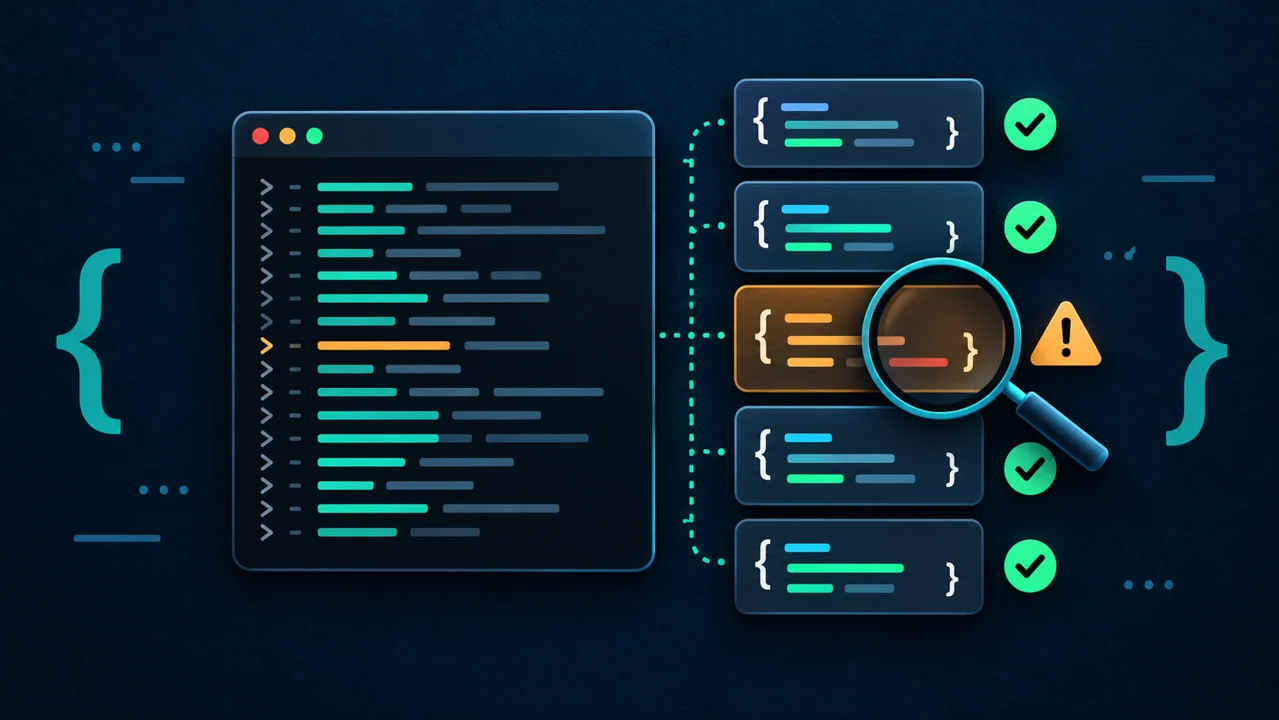
A batch job fails halfway through with a JSON error, but which line is broken? Calling json.load() on a whole JSONL file can also produce Extra data: the file intentionally contains several independent values.
This beginner-to-intermediate tutorial checks completed JSONL input with the Python standard library before starting another task. The tool locates errors by line, leaves the input unchanged, and prints a successful JSON report only after a complete read.
1. Method: validate physical lines before running the task
The JSON Lines format description requires UTF-8, one JSON value per line, and no BOM. Blank lines are invalid; null, arrays, and numbers can be records. A final newline is optional, and CRLF is supported.
This tool also rejects duplicate keys within objects and offers --objects for tasks that accept only dictionary-like records. These are tutorial policies: JSONL itself does not require object records. The default limit is 1 MiB per line, including the LF or CRLF bytes.
Forced termination can truncate the last record. Use the Python SIGTERM shutdown tutorial to handle the writer. Here we check completed ordinary local files that remain unchanged throughout validation.
2. Prepare the environment and test data
Use Python 3.9 or newer; no third-party packages are needed. Commands work in bash or zsh, and the examples were verified on Linux with Python 3.11.4.
- Create a new directory and keep subsequent commands in the same terminal and directory. Choose a different directory name when repeating the experiment:
python3 --version
mkdir jsonl-audit-demo
cd jsonl-audit-demo
printf '{"id":1,"name":"alpha"}\n{"id":2,"name":"beta"}\n' > good.jsonl
printf '{"id":1}\n{"id":}\n' > broken.jsonl
- Save the next section as
audit_jsonl.py, or download the complete validation script.
3. Complete implementation
"""Validate completed UTF-8 JSONL input without changing it. Python 3.9+."""
import argparse
import json
from pathlib import Path
import sys


def line_limit(value):
    number = int(value)
    if not 1 <= number <= 16 * 1024 * 1024:
        raise argparse.ArgumentTypeError("max-line-bytes must be 1..16777216")
    return number


def reject_constant(value):
    raise ValueError(f"non-JSON number token: {value}")


def unique_object(pairs):
    result = {}
    for key, value in pairs:
        if key in result:
            raise ValueError(f"duplicate object key: {key!r}")
        result[key] = value
    return result


def audit(path, max_line_bytes, objects):
    records = 0
    with path.open("rb") as file:
        while True:
            raw = file.readline(max_line_bytes + 1)
            if not raw:
                break
            number = records + 1
            try:
                if len(raw) > max_line_bytes:
                    raise ValueError(f"line exceeds {max_line_bytes} bytes")
                text = raw.decode("utf-8", errors="strict")
                if not text.strip():
                    raise ValueError("blank line is not a JSON value")
                value = json.loads(
                    text,
                    parse_constant=reject_constant,
                    object_pairs_hook=unique_object,
                )
                if objects and not isinstance(value, dict):
                    raise ValueError("expected a JSON object")
            except json.JSONDecodeError as exc:
                raise ValueError(
                    f"line {number}, column {exc.colno}: {exc.msg}"
                ) from exc
            except (ValueError, RecursionError) as exc:
                raise ValueError(f"line {number}: {exc}") from exc
            records += 1
    return {"file": str(path), "records": records, "valid": True}


def main():
    parser = argparse.ArgumentParser(description=__doc__, allow_abbrev=False)
    parser.add_argument("file", type=Path, help="completed, unchanging JSONL file")
    parser.add_argument("--objects", action="store_true", help="require object records")
    parser.add_argument(
        "--max-line-bytes", type=line_limit, default=1024 * 1024,
        help="physical line byte limit, including LF/CRLF (default: 1048576)",
    )
    args = parser.parse_args()
    try:
        result = audit(args.file, args.max_line_bytes, args.objects)
    except (OSError, ValueError) as exc:
        print(f"ERROR: {args.file}: {exc}", file=sys.stderr)
        return 1
    print(json.dumps(result, ensure_ascii=False))
    return 0


if __name__ == "__main__":
    raise SystemExit(main())
The official Python json documentation describes accepting extensions such as NaN and keeping the last value of repeated keys by default. We reject these using parse_constant and object_pairs_hook, including duplicate keys in nested objects.
The binary readline(size) documentation describes bounded reads. Reading limit + 1 bytes detects oversized lines before parsing, without loading the entire file first.
The tool stops at the first problem. Syntax errors show the physical line and JSON character column; encoding, duplicate-key, and length errors show the physical line. It does not validate business fields, IDs across records, or numeric ranges. Parsing one record still uses memory, and a byte limit does not provide complete resource isolation.
4. Run and verify a successful result
- Display help and check object records:
python3 audit_jsonl.py --help
python3 audit_jsonl.py good.jsonl --objects > report.json
cat report.json
Expected report:
{"file": "good.jsonl", "records": 2, "valid": true}
- Assert the actual content:
python3 - <<'PY_CHECK'
import json
from pathlib import Path
report = json.loads(Path("report.json").read_text(encoding="utf-8"))
assert report == {"file": "good.jsonl", "records": 2, "valid": True}
print("OK: two valid records")
PY_CHECK
Default mode allows values such as null and arrays; only --objects requires objects. An empty file reports zero valid records. If your task requires input, also check records > 0 in the caller.
For similar batch work in the streaming CSV tutorial, use the same pattern: check one record at a time and summarize at completion, without retaining every record.
5. Verify failure exits and gate the next task
- Check the broken line and read the exit status immediately. Run this interactively; scripts using
set -eshould put expected failures inside anifcondition:
python3 audit_jsonl.py broken.jsonl --objects > failed-report.json
printf 'exit=%s\n' "$?"
wc -c < failed-report.json
Expect stderr to contain line 2, column 7, exit status 1, and a zero-byte failed-report.json. Redirection still creates or truncates the destination, so do not point it at an important existing report.
- Start the next task only after validation succeeds. A short print command represents the downstream task here:
if python3 audit_jsonl.py good.jsonl --objects; then
  python3 -c 'print("NEXT: input accepted")'
else
  printf 'STOP: invalid input\n' >&2
fi
Changing good.jsonl to broken.jsonl takes the failure branch and never prints NEXT. A real task must read the same unchanged input; validate again if the file changes afterward.
- Check the additional rules and boundaries:
printf '{"id":1,"id":2}\n' > duplicate.jsonl
printf '{"score":NaN}\n' > nonfinite.jsonl
printf '{}\n{}' > no-final-lf.jsonl
python3 audit_jsonl.py duplicate.jsonl
printf 'exit=%s\n' "$?"
python3 audit_jsonl.py nonfinite.jsonl
printf 'exit=%s\n' "$?"
python3 audit_jsonl.py no-final-lf.jsonl --objects
python3 audit_jsonl.py good.jsonl --max-line-bytes 8
printf 'exit=%s\n' "$?"
The first two checks report duplicate object key and non-JSON number token, each returning 1. The file without a final newline still reports two records. The last check returns 1 because the first line exceeds eight bytes. Success returns 0; invalid CLI arguments return 2.
Validation also covered Chinese UTF-8, invalid UTF-8, BOM, blank lines, CRLF, truncation, two values on one line, nested duplicate keys, deep nesting, missing files, and records exactly at the byte limit. Tests checked exit status, stdout, stderr, and unchanged input content.
6. Troubleshooting
| Symptom | Concrete fix |
|---|---|
Extra data |
Write exactly one JSON value per line; re-export multiline pretty-printed JSON as JSONL. |
blank line |
Check for extra blank lines from the generator and fix the writer instead of silently skipping records. |
Unexpected UTF-8 BOM or decoding errors |
Re-export BOM-free UTF-8 from the source tool; ignoring decoding errors hides damaged data. |
duplicate object key |
Fix repeated fields in the generator; this check does not establish unique IDs across records. |
non-JSON number token |
Use json.dumps(record, allow_nan=False) in the writer and handle missing values first. |
expected a JSON object |
Remove --objects if the task accepts arbitrary JSON values; otherwise fix the record structure. |
line exceeds |
Check whether several lines were joined; for legitimate large records, use --max-line-bytes 2097152, up to 16 MiB. |
| Syntax error on the final line | Check for interrupted copying or writing, and regenerate the complete file from its source. |
If a scheduled run cannot find its input, follow Linux scheduled-job path troubleshooting and use absolute interpreter, script, and input paths.
Summary
Check UTF-8, each JSON line, and the required object policy before letting the exit status gate a batch job. Keep the error location and original file, fix the writer, and validate again. After validation, still check business fields and ensure the task reads unchanged input.
- 原文作者:春江暮客
- 原文链接:https://www.bobobk.com/en/python-jsonl-validation.html
- 版权声明:本作品采用 知识共享署名-非商业性使用-禁止演绎 4.0 国际许可协议 进行许可,非商业转载请注明出处(作者,原文链接),商业转载请联系作者获得授权。
相关文章
- Stream gzip Logs with Python and Detect Truncation and CRC Errors
- Python Task Configuration with tomllib: Validate TOML and Resolve Paths
- Fix Delayed Python Logs with -u, flush, and Bash pipefail
- Python HTTP JSON Requests: Timeouts, Bounded Retries, and Local Tests
- Troubleshoot Linux Scheduled Jobs: Python Paths, Working Directories, and Environment