Fix Python SQLite database is locked: Timeouts and Short Transactions
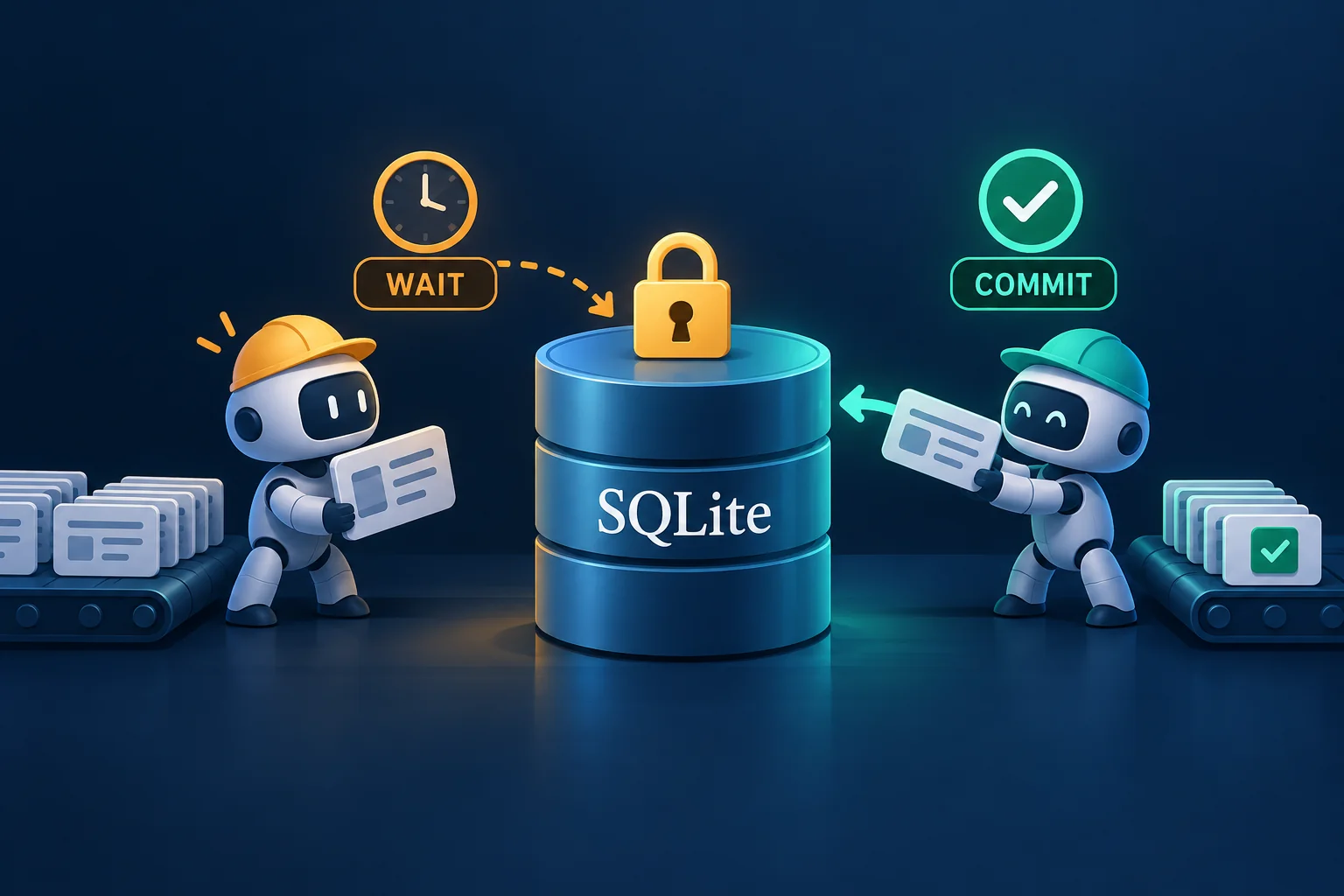
A scheduled job writes its results to SQLite, but occasionally raises sqlite3.OperationalError: database is locked. Increasing the wait may reduce failures, or simply make the job stall longer.
This beginner-to-intermediate tutorial provides a short-transaction writer and uses two separate processes to reproduce contention, check failure exit codes, and verify recovery. Everything runs against a new demo database with the Python standard library.
1. Method: shorten transactions, then bound the wait
SQLite allows one write transaction at a time. A second writer must wait for the first to commit or roll back. BEGIN IMMEDIATE requests write access at the start, exposing contention before the business update; see SQLite transaction documentation. It does not add parallel writers.
Start with three questions:
- Is another scheduled run, interactive terminal, or database tool writing the same file?
- Are HTTP requests, model inference, or file conversions happening inside a write transaction?
- Does a failure leave an unfinished transaction or a long-running query open?
For resumable SQLite batch jobs, prepare results outside the transaction, then commit one record or a small batch. Our example updates by job key. It guarantees this database update, not exactly-once execution of external work.
2. Setup: create a separate demo database
Use Python 3.11 or newer and a writable local directory. These examples were tested on Linux with Python 3.11.4 and SQLite 3.41.2. Choose a new directory name when repeating the experiment, and run subsequent commands inside it:
python3 --version
python3 -c 'import sqlite3; print(sqlite3.sqlite_version)'
mkdir sqlite-lock-demo
cd sqlite-lock-demo
python3 - <<'PY_SETUP'
import sqlite3
from contextlib import closing
from pathlib import Path

db = Path("demo.sqlite")
if db.exists():
    raise SystemExit("Use a fresh demo directory")
with closing(sqlite3.connect(db, isolation_level=None)) as con:
    con.execute("CREATE TABLE results (job TEXT PRIMARY KEY, value TEXT NOT NULL)")
print(db.resolve())
PY_SETUP
The first version check identifies Python; the second shows its linked SQLite library. The demo keeps the new database’s default rollback-journal mode. It does not enable WAL or change server configuration.
3. Implementation: enter the transaction after preparing the result
Save this as save_result.py in the current directory:
"""Save one prepared result in an existing SQLite database. Python 3.11+."""
import argparse
from contextlib import closing
import math
from pathlib import Path
import sqlite3
import sys


def wait_seconds(text):
    value = float(text)
    if not math.isfinite(value) or not 0 <= value <= 30:
        raise argparse.ArgumentTypeError("timeout must be finite and in 0..30 seconds")
    return value


def save_result(database, job, value, *, timeout=1.0):
    path = Path(database).resolve(strict=True)
    # mode=rw prevents accidental creation if the path disappears before opening.
    with closing(sqlite3.connect(
        path.as_uri() + "?mode=rw", uri=True,
        timeout=timeout, isolation_level=None,
    )) as con:
        try:
            con.execute("BEGIN IMMEDIATE")
            con.execute(
                "INSERT INTO results(job, value) VALUES (?, ?) "
                "ON CONFLICT(job) DO UPDATE SET value=excluded.value",
                (job, value),
            )
            con.execute("COMMIT")
        except BaseException:
            if con.in_transaction:
                con.execute("ROLLBACK")
            raise


def main():
    parser = argparse.ArgumentParser(description=__doc__, allow_abbrev=False)
    parser.add_argument("database", type=Path)
    parser.add_argument("job")
    parser.add_argument("value")
    parser.add_argument("--timeout", type=wait_seconds, default=1.0)
    args = parser.parse_args()
    try:
        save_result(args.database, args.job, args.value, timeout=args.timeout)
    except (OSError, sqlite3.Error) as exc:
        name = getattr(exc, "sqlite_errorname", type(exc).__name__)
        print(f"ERROR: {name}: {exc}; db={args.database.resolve()}", file=sys.stderr)
        return 1
    print(f"OK: job={args.job}")
    return 0


if __name__ == "__main__":
    raise SystemExit(main())
isolation_level=None lets explicit SQL control transactions here. Do not mix this sequence into an already active transaction. closing() closes the connection. Python’s transaction-control documentation describes this approach.
timeout is measured in seconds and controls waiting for lock contention. It is not a deadline for the script or an SQL execution-time limit. SQLite’s busy-timeout documentation explains the waiting behavior. We add no unlimited retry loop: a persistent lock produces a failure.
Finish expensive computation before passing the prepared result to save_result(). Successful writes return 0, database or file errors return 1, and invalid CLI arguments return 2. --timeout accepts only finite values from 0 through 30 seconds. mode=rw and strict path resolution avoid silently creating an empty database at a mistyped path.
4. Validate successful writes and repeated updates
python3 save_result.py --help
python3 save_result.py demo.sqlite daily ready --timeout 1
python3 save_result.py demo.sqlite daily updated --timeout 1
python3 - <<'PY_CHECK'
import sqlite3
from contextlib import closing

with closing(sqlite3.connect("file:demo.sqlite?mode=ro", uri=True)) as con:
    print(con.execute("SELECT job, value FROM results ORDER BY job").fetchall())
PY_CHECK
The final output should be:
OK: job=daily
OK: job=daily
[('daily', 'updated')]
Writing the same job twice leaves one row. SQL values use ? parameters, so quotes and Chinese text require no manual SQL interpolation.
5. Reproduce contention and verify release and rollback
Save this as test_lock.py. It modifies the demo database and leaves daily set to recovered. Run it only inside the demo directory created above:
"""Hold a real write lock while a separate process attempts to write."""
from contextlib import closing
from pathlib import Path
import sqlite3
import subprocess
import sys

from save_result import save_result

db = Path("demo.sqlite").resolve(strict=True)
command = [sys.executable, "save_result.py", str(db), "daily", "after-lock",
           "--timeout", "0.2"]
with closing(sqlite3.connect(db, isolation_level=None)) as holder:
    holder.execute("BEGIN IMMEDIATE")
    try:
        holder.execute("INSERT INTO results VALUES ('uncommitted', 'discard-me')")
        blocked = subprocess.run(command, capture_output=True, text=True, timeout=10)
        assert blocked.returncode == 1, blocked
        assert "SQLITE_BUSY" in blocked.stderr, blocked.stderr
        assert blocked.stdout == "", blocked.stdout
        print("PASS: competing writer returned 1 with SQLITE_BUSY")
    finally:
        holder.execute("ROLLBACK")

released = subprocess.run(command, capture_output=True, text=True, timeout=10)
assert released.returncode == 0, released.stderr
assert released.stdout.strip() == "OK: job=daily", released.stdout

with closing(sqlite3.connect(db, isolation_level=None)) as con:
    assert con.execute("SELECT value FROM results WHERE job='daily'").fetchone() == (
        "after-lock",
    )
    assert con.execute("SELECT count(*) FROM results WHERE job='uncommitted'").fetchone() == (0,)

try:
    save_result(db, "daily", None)
except sqlite3.IntegrityError:
    pass
else:
    raise AssertionError("NOT NULL constraint should fail")

save_result(db, "daily", "recovered")
with closing(sqlite3.connect(db)) as con:
    assert con.execute("SELECT job, value FROM results").fetchall() == [("daily", "recovered")]
print("PASS: release, rollback, repeat update, and final rows verified")
Run:
python3 test_lock.py
Expected output:
PASS: competing writer returned 1 with SQLITE_BUSY
PASS: release, rollback, repeat update, and final rows verified
The parent holds its lock until the child write fails and returns, avoiding a race between two manually started terminals. The child should fail after roughly 0.2 seconds of lock waiting; scheduling affects elapsed time, so do not assert an exact millisecond count. The test also verifies that the uncommitted row was rolled back, a constraint failure released the connection, and final row values are correct.
The test script returns 0 when these assertions pass. One tested write deliberately returns 1. A real job must preserve that nonzero failure instead of reporting success and continuing.
6. Troubleshooting
| Symptom | Concrete action |
|---|---|
Persistent SQLITE_BUSY |
Check overlapping jobs and uncommitted transactions. Move network requests, sleep, and expensive computation before BEGIN. |
| A longer timeout still fails | Find long-held transactions. Shorten them or queue writes through one writer, then choose a wait compatible with your job deadline. |
cannot start a transaction within a transaction |
Check for an outer transaction. This function opens its own connection; do not paste its BEGIN into an already active transaction. |
no such table: results |
Use the demo database initialized in section 2. Real tools need their own schema and migration process. |
| Read-only or directory-permission errors | Check the absolute path in the error and the runtime account. The database and parent directory used for journal writes need appropriate access; avoid a blanket chmod 777. |
WAL improves reader/writer concurrency but still allows only one writer; see SQLite’s WAL concurrency explanation. Switching to WAL is therefore not a general lock fix, and check_same_thread=False does not solve cross-process contention.
Do not delete -journal, -wal, or -shm files to clear a lock. To preserve a working copy, follow SQLite backup and restore verification rather than copying only a live main database file. For a separate deadline on a whole external command, see subprocess timeouts and logging.
Summary
Move expensive preparation outside write transactions, bound lock waiting, and roll back and close connections on failure. Test with a real lock holder, then verify writes resume and final rows are correct. Persistent write contention needs a single-writer queue or a storage reassessment; increasing timeout does not increase SQLite’s concurrent writing capacity.
- 原文作者:春江暮客
- 原文链接:https://www.bobobk.com/en/python-sqlite-database-locked.html
- 版权声明:本作品采用 知识共享署名-非商业性使用-禁止演绎 4.0 国际许可协议 进行许可,非商业转载请注明出处(作者,原文链接),商业转载请联系作者获得授权。
相关文章
- Check Scheduled Output Freshness with Python: File Age, Empty Files, and Exit Codes
- Find Large Files with Python: Rank a Directory with os.walk and heapq
- Python Too Many Open Files: Find File Handle Leaks on Linux
- Stream gzip Logs with Python and Detect Truncation and CRC Errors
- Back Up SQLite with Python: WAL Snapshots and Restore Checks