ChatGPT自动生成网页
2023-02-16
技术
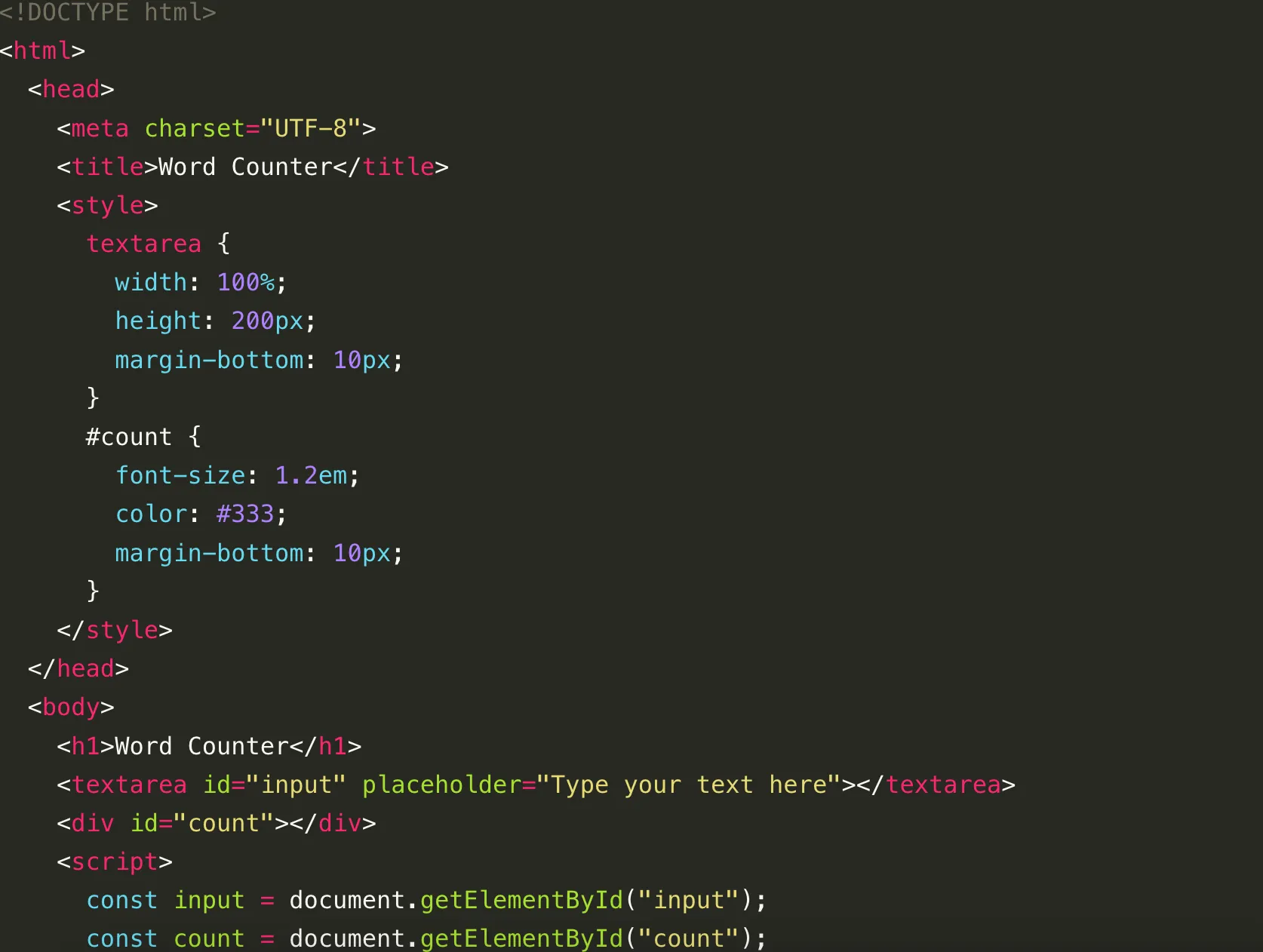
这篇文章用一个很小的例子测试 ChatGPT 生成前端代码的能力:让它直接写一个“统计文本数量”的网页。
我给它的提示词是:
write full code to count the number of words in a txt area, with html,css and javascript
返回结果如下:
<!DOCTYPE html>
<html>
  <head>
    <meta charset="UTF-8">
    <title>Word Counter</title>
    <style>
      textarea {
        width: 100%;
        height: 200px;
        margin-bottom: 10px;
      }
      #count {
        font-size: 1.2em;
        color: #333;
        margin-bottom: 10px;
      }
    </style>
  </head>
  <body>
    <h1>Word Counter</h1>
    <textarea id="input" placeholder="Type your text here"></textarea>
    <div id="count"></div>
    <script>
      const input = document.getElementById("input");
      const count = document.getElementById("count");

      function updateCount() {
        const text = input.value.trim();
        const words = text.split(/\s+/);
        count.textContent = `Word count: ${words.length}`;
      }

      input.addEventListener("input", updateCount);
    </script>
  </body>
</html>
这份代码用来统计英文单词没有问题,因为它是按空格拆分单词的;但中文并不是天然按空格分词,所以直接拿来统计中文文本时就不准确了。
为什么这个版本更适合英文
核心原因就在这一句:
const words = text.split(/\s+/);
它默认“空白字符分隔的片段”就是一个单词,这个前提对英文很常见,但对中文、日文这类连续文本并不成立。
如果想兼顾中文,可以让 ChatGPT 再改一版
更实用的方式是让它同时统计:
- 英文场景下的单词数
- 通用场景下的字符数
例如继续补一句提示词:
improve it so it shows both word count and character count, and make it work better for Chinese text
那么一个更实用的版本可以写成下面这样:
<!DOCTYPE html>
<html>
  <head>
    <meta charset="UTF-8">
    <title>Word And Character Counter</title>
    <style>
      body {
        font-family: sans-serif;
        max-width: 720px;
        margin: 40px auto;
        padding: 0 16px;
      }
      textarea {
        width: 100%;
        height: 220px;
        margin-bottom: 12px;
        padding: 12px;
        box-sizing: border-box;
      }
      .result {
        font-size: 1rem;
        color: #333;
        line-height: 1.8;
      }
    </style>
  </head>
  <body>
    <h1>Text Counter</h1>
    <textarea id="input" placeholder="Type your text here"></textarea>
    <div class="result" id="result"></div>

    <script>
      const input = document.getElementById("input");
      const result = document.getElementById("result");

      function updateCount() {
        const text = input.value;
        const trimmed = text.trim();
        const wordCount = trimmed ? trimmed.split(/\s+/).length : 0;
        const charCount = text.replace(/\s/g, "").length;

        result.innerHTML = `Word count: ${wordCount}<br>Character count: ${charCount}`;
      }

      input.addEventListener("input", updateCount);
      updateCount();
    </script>
  </body>
</html>
这样做虽然还不等于“真正中文分词”,但至少已经比只统计英文单词更实用,因为它同时给了字符数量。
总结
这个例子很适合看出 ChatGPT 写前端代码的一个特点:生成一个能跑的原型通常很快,但如果你对文本规则、语言场景、边界条件有要求,就必须继续补提示词,把需求说得更细。
也就是说,ChatGPT 很适合先帮你搭出第一版页面,但真正能不能拿来直接用,还要看你有没有把规则说明白。
- 原文作者:春江暮客
- 原文链接:https://www.bobobk.com/762.html
- 版权声明:本作品采用 知识共享署名-非商业性使用-禁止演绎 4.0 国际许可协议 进行许可,非商业转载请注明出处(作者,原文链接),商业转载请联系作者获得授权。