Install VNC Server on Alibaba Cloud centos7 for Graphical Access
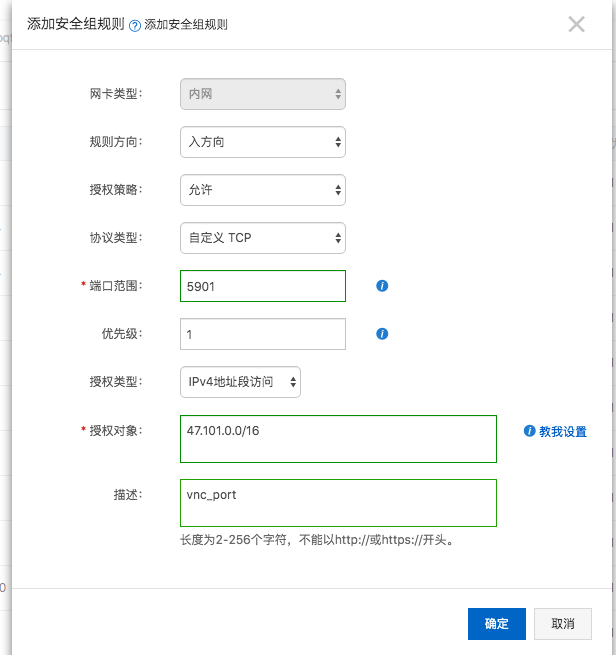
This article introduces how to use tigervnc-server and Server with GUI to access the graphical interface of Linux centos7. All operations were completed on Alibaba Cloud ECS with centos7 installed. Follow the steps to add a graphical interface to centos7.
Steps:
- Install Server with GUI
- Install tigervnc-server
- Configure tigervnc-server
- Configure Alibaba Cloud Security Group
- Connect to the VNC graphical server
1. Install Server with GUI
yum update -y
yum groupinstall -y "Server with GUI"
This step takes about 10 minutes. It’s recommended to use a screen session to install in the background.
2. Install tigervnc-server
useradd vncuser
yum install tigervnc-server
3. Configure tigervnc-server
I don’t want to run VNC as root, so I added a vncuser as the VNC user. Switch to that user and set the VNC password (you need to enter it twice).
su - vncuser
vncpasswd
Next, rename the default configuration file.
cp /lib/systemd/system/vncserver@.service /etc/systemd/system/vncserver@:1.service
Edit the config file username:
vi "/etc/systemd/system/vncserver@:1.service"
Change user to the username you just added.
Here’s my config file:
[Unit]
Description=Remote desktop service (VNC)
After=syslog.target network.target

[Service]
Type=forking
ExecStartPre=/bin/sh -c '/usr/bin/vncserver -kill %i > /dev/null 2>&1 || :'
ExecStart=/sbin/runuser -l vncuser -c "/usr/bin/vncserver %i -geometry 1280x1024"
PIDFile=/home/vncuser/.vnc/%H%i.pid
ExecStop=/bin/sh -c '/usr/bin/vncserver -kill %i > /dev/null 2>&1 || :'

[Install]
WantedBy=multi-user.target
Then start the VNC service:
systemctl daemon-reload
systemctl start vncserver@:1
systemctl status vncserver@:1
systemctl enable vncserver@:1
Check whether the service is listening on port 5901; if it is, the service started correctly:
ss -ltn | grep ':5901'
 You can see port 5901 is open successfully.
4. Configure Alibaba Cloud Security Group
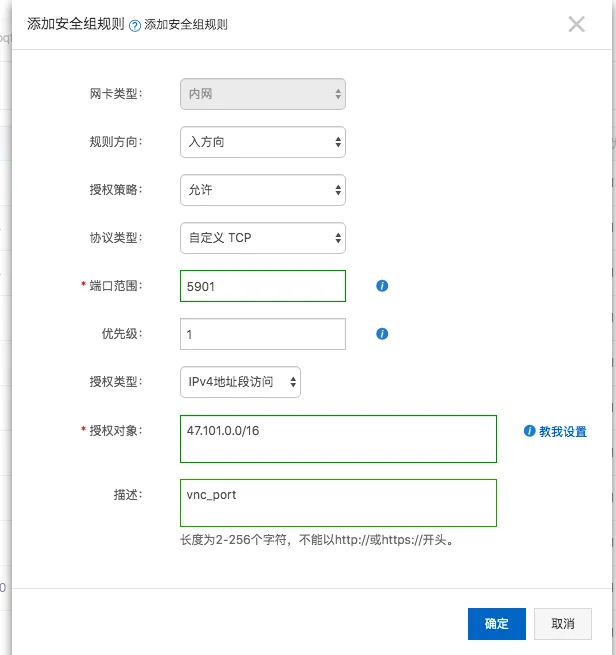
Open port 5901 in the Alibaba Cloud console, but restrict the source to your own public IP or office subnet instead of allowing access from everywhere.
5. Connect to the VNC graphical server
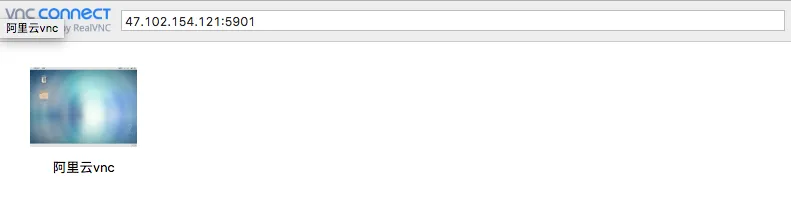
I use VNC Viewer to connect to the centos7 VNC server just configured, using IP plus port.
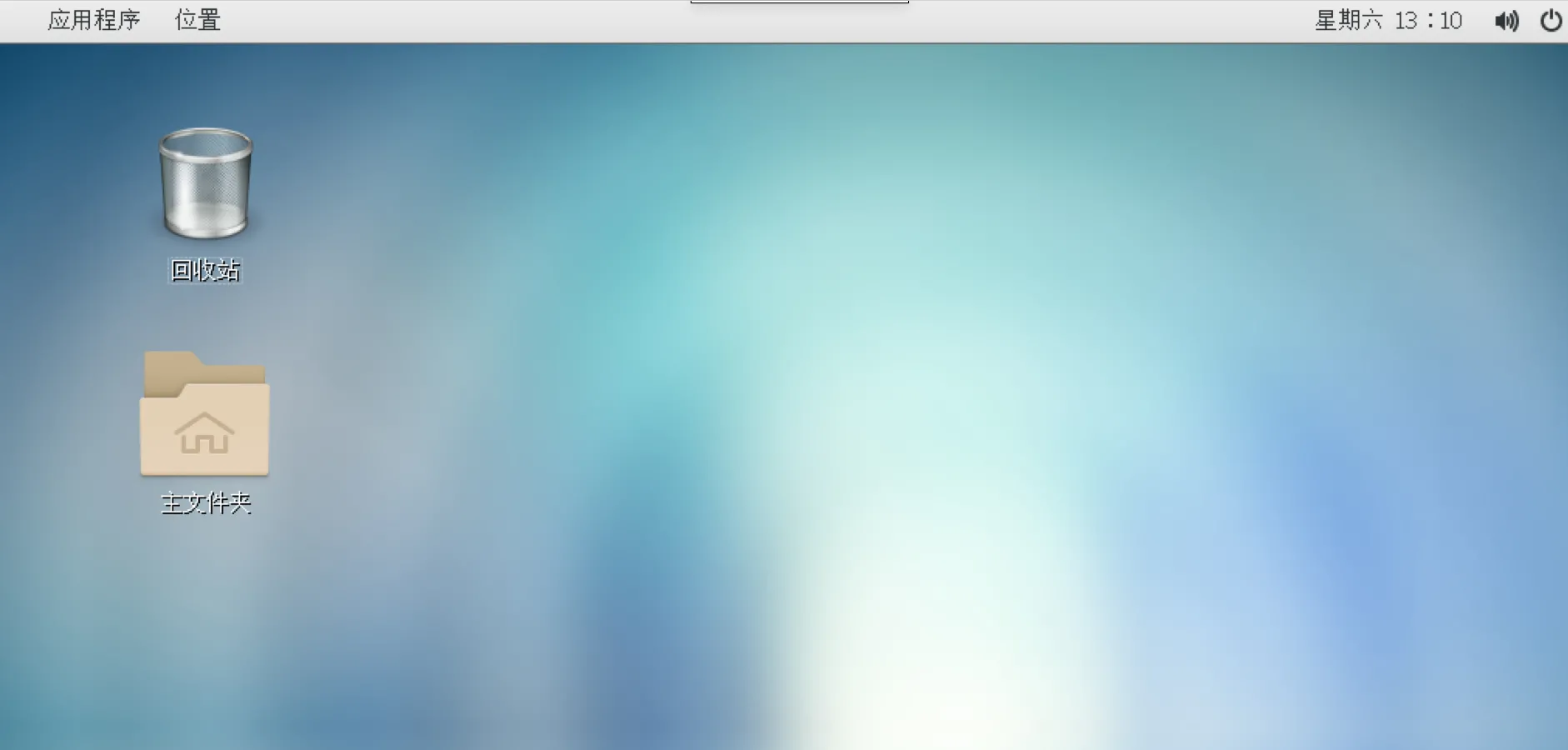
Here’s the connected graphical interface:
Summary
This article showed how to add graphical access to CentOS 7 with Server with GUI and tigervnc-server, including the service setup, port verification, and security-group step. For servers that genuinely need a desktop session, this is a practical baseline configuration. If you have any questions, feel free to contact the blogger by email for answers.
- 原文作者:春江暮客
- 原文链接:https://www.bobobk.com/en/414.html
- 版权声明:本作品采用 知识共享署名-非商业性使用-禁止演绎 4.0 国际许可协议 进行许可,非商业转载请注明出处(作者,原文链接),商业转载请联系作者获得授权。