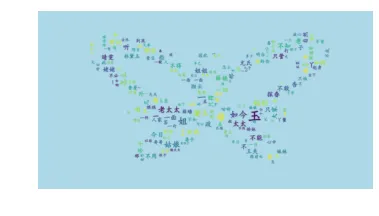
Drawing a Stunning "Dream of the Red Chamber" Word Cloud with Python 3
Word clouds, which I’m sure you’ve all seen, are created using wordcloud, a famous Python library. This article will detail how to use wordcloud to create a word cloud for “Dream of the Red Chamber,” one of China’s Four Great Classical Novels.
1. Preparation
This involves three parts:
1. Install wordcloud and jieba
You can install them with pip install wordcloud and pip install jieba.
2. Prepare a Chinese font file
3. Prepare the text file
The .txt file and the font file are bundled so this example is easier to reproduce.
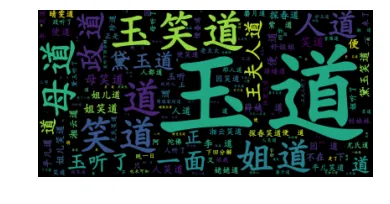
2. Drawing the “Dream of the Red Chamber” Word Cloud
Here’s the code directly:
    from wordcloud import WordCloud
    import jieba
    import matplotlib.pyplot as plt
    text = "".join(jieba.cut(open("红楼梦.txt").read()))
    wordcloud = WordCloud(font_path="kaibold.ttf").generate(text)

    # Display the generated image:
    plt.imshow(wordcloud, interpolation='bilinear')
    plt.axis("off")
    plt.margins(x=0, y=0)
    plt.show()
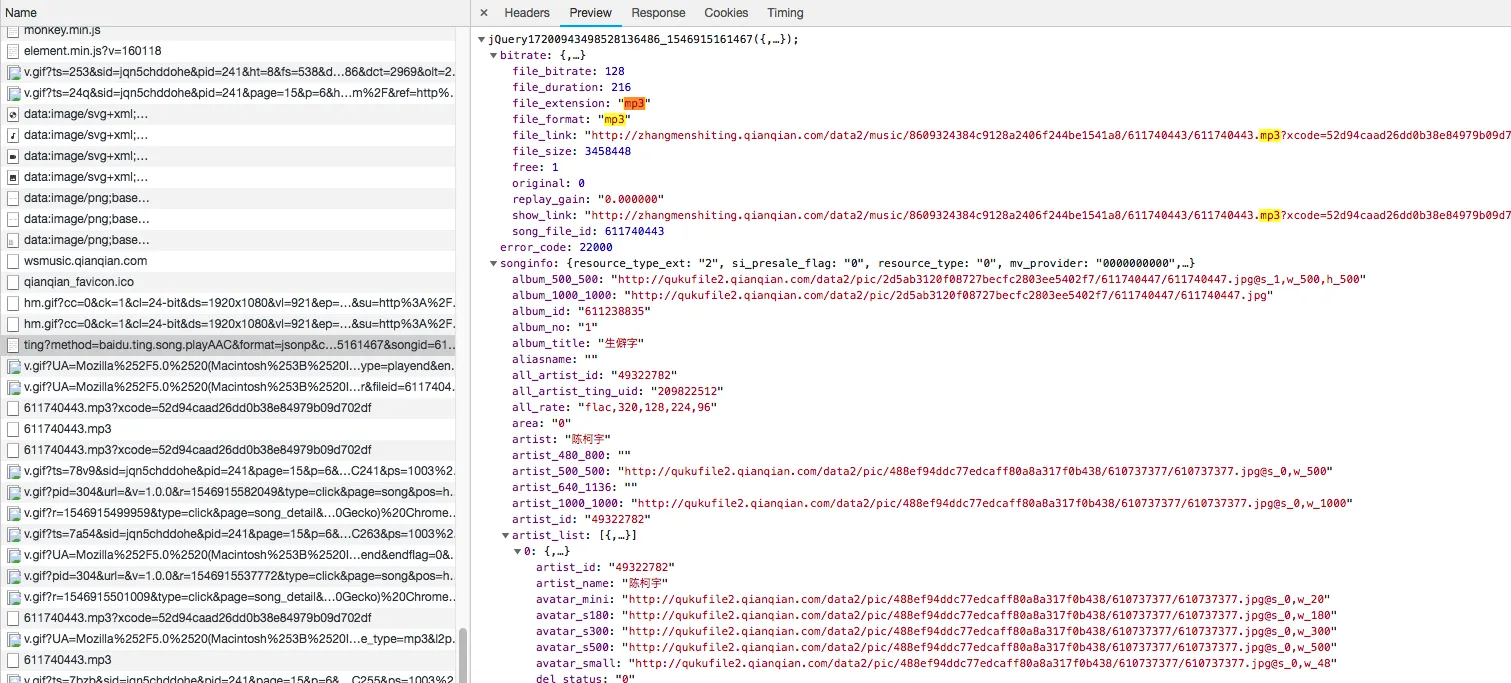
 The songid parameter can be found in the current URL: