Downloading m3u8 Streaming Media Using Python and Embedding into AMP Webpages
In short video and live-streaming workflows, you often do not get a direct MP4 file. Instead, you get an m3u8 playlist plus a set of .ts segments. If you want to archive the content locally, process it with scripts, or embed the result into your own page, you need to handle that pipeline yourself.
This article focuses on two practical steps:
- Download the TS segments behind an m3u8 playlist with Python
- Merge them into MP4 and embed the output into an AMP page
If what you want is a newer browser-based M3U8 to MP4 workflow, I also link that updated guide near the end.
0. Setup
Install the Python packages used in the example:
pip install m3u8 requests
If you also want to merge TS files into MP4, make sure ffmpeg is installed.
1. What is m3u8?
The M3U8 format is based on HTTP Live Streaming (HLS) technology, which splits the entire video into a series of small files, then creates an index file (.m3u8). Through this index file, streaming media can be loaded. This means that when playing a video, the client only needs to load the index file and then download the small video files one by one according to the index file for playback, enabling streaming playback while downloading.
2. Downloading all video files from an m3u8 file
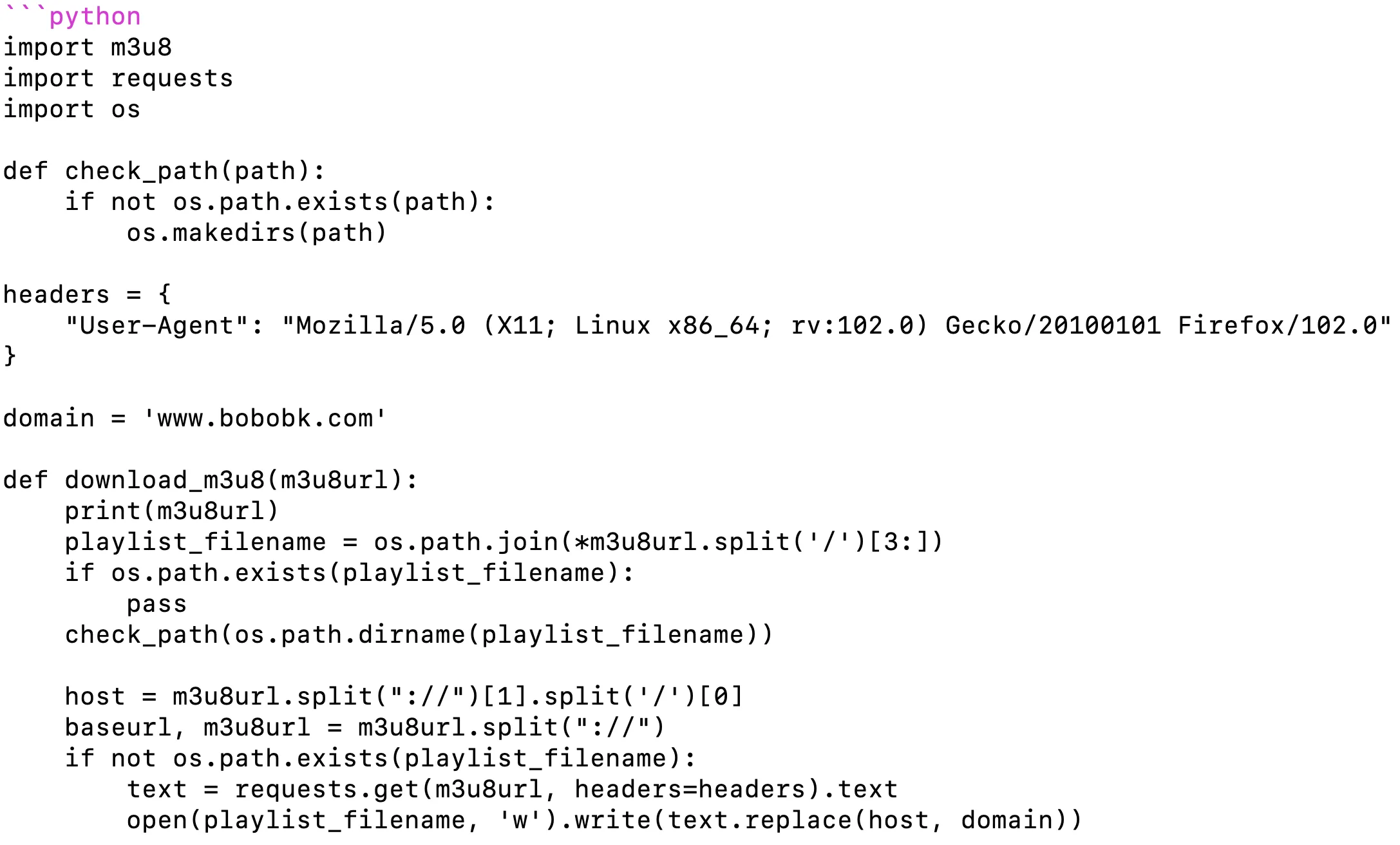
First, we need to obtain the m3u8 file and parse the URLs of the video segments (.TS files) inside it. To handle network requests, we use Python’s requests library. Here is a snippet of code:
import m3u8
import requests
import os

def check_path(path):
    if not os.path.exists(path):
        os.makedirs(path)

headers = {
    "User-Agent": "Mozilla/5.0 (X11; Linux x86_64; rv:102.0) Gecko/20100101 Firefox/102.0"
}

domain = 'www.bobobk.com'

def download_m3u8(m3u8url):
    print(m3u8url)
    playlist_filename = os.path.join(*m3u8url.split('/')[3:])
    if os.path.exists(playlist_filename):
        pass
    check_path(os.path.dirname(playlist_filename))

    host = m3u8url.split("://")[1].split('/')[0]
    baseurl, m3u8url = m3u8url.split("://")
    if not os.path.exists(playlist_filename):
        text = requests.get(m3u8url, headers=headers).text
        open(playlist_filename, 'w').write(text.replace(host, domain))

    m3u8_obj = m3u8.load(playlist_filename)
    print(f"playlist:{playlist_filename}")
    baseurl += "://" + m3u8url.split("/")[0]
    print("start check playlist")
    if len(m3u8_obj.playlists) != 0:
        m3u8url = m3u8_obj.playlists[0].uri
        if '://' not in m3u8url:
            if m3u8url[0] == '/':
                m3u8url = baseurl + m3u8_obj.playlists[0].uri
            else:
                m3u8url = baseurl + '/' + os.path.dirname(playlist_filename)+ '/' + m3u8_obj.playlists[0].uri
        print(m3u8url)
        text = requests.get(m3u8url, headers=headers).text
        playlist_filename = os.path.join(*m3u8url.split('/')[3:])
        check_path(os.path.dirname(playlist_filename))
        open(playlist_filename, 'w').write(text.replace(host, domain))
        m3u8_obj = m3u8.load(playlist_filename)
        baseurl, m3u8url = m3u8url.split("://")
        host = m3u8url.split('/')[0]
        print(f"playlist:{playlist_filename}")

    output = os.path.join(*m3u8_obj.segments[0].absolute_uri.split('/')[3:])
    check_path(os.path.dirname(output))
    print("check subdir")
    for segment in m3u8_obj.segments:
        segment_url = segment.absolute_uri
        segment_file_name = os.path.join(*segment_url.split('/')[3:])
        r = requests.get(segment_url, headers=headers, stream=True)
        print(f"{segment_url}t{segment_file_name}")
        if os.path.exists(segment_file_name):
            continue

        with open(segment_file_name, 'wb') as f:
            for chunk in r.iter_content(chunk_size=1024):
                if chunk:
                    f.write(chunk)


m3u8url = "https://pptv.sd-play.com/202308/01/PfdfHWiJa43/video/index.m3u8"
download_m3u8(m3u8url)
One useful part of this script is that it handles master playlists by continuing down to the actual media playlist before downloading the .ts segments.
3. Embedding m3u8 video into an AMP webpage
AMP (Accelerated Mobile Pages) is an open-source framework optimized for mobile devices. Using this framework, you can create fast and visually appealing web applications. It standardizes but also flexibly defines HTML usage, making responsive web development easier.
Directly embedding m3u8 videos in AMP has a limitation: AMP currently does not support direct playback of m3u8 files. Therefore, we need to convert the video into MP4 format before embedding it into the AMP webpage.
We can use the ffmpeg tool to merge .ts files and convert them into .mp4 files. Here is the code:
for tsfile in "202308/01/PfdfHWiJa43/video/900k_0X480_64k_25/hls/"*.ts;do
echo "file '${tsfile}'" >> tsfile.txt
done

ffmpeg -f concat -safe 0 -i tsfile.txt -c copy 202308/01/PfdfHWiJa43/video/900k_0X480_64k_25/hls/202308.mp4
Then, we can use the amp-video component in AMP webpages to play the mp4 video:
https://www.bobobk.com/m3u8.html
<!doctype html>
<html amp>
<head>
<meta charset="utf-8">
<script async src="https://cdn.ampproject.org/v0.js"></script>
<title>Downloading m3u8 Streaming Media Using Python and Embedding into AMP Webpages (amp video page)</title>
<link rel="canonical" href="self.html">
<meta name="viewport" content="width=device-width,minimum-scale=1,initial-scale=1">
<style amp-boilerplate>body{-webkit-animation:-amp-start 8s steps(1,end) 0s 1 normal both;-moz-animation:-amp-start 8s steps(1,end) 0s 1 normal both;-ms-animation:-amp-start 8s steps(1,end) 0s 1 normal both;animation:-amp-start 8s steps(1,end) 0s 1 normal both}@-webkit-keyframes -amp-start{from{visibility:hidden}to{visibility:visible}}@-moz-keyframes -amp-start{from{visibility:hidden}to{visibility:visible}}@-ms-keyframes -amp-start{from{visibility:hidden}to{visibility:visible}}@-o-keyframes -amp-start{from{visibility:hidden}to{visibility:visible}}@keyframes -amp-start{from{visibility:hidden}to{visibility:visible}}</style>
<noscript><style amp-boilerplate>body{-webkit-animation:none;-moz-animation:none;-ms-animation:none;animation:none}</style></noscript>
<script async custom-element="amp-video" src="https://cdn.ampproject.org/v0/amp-video-0.1.js"></script>
</head>
<body>
<amp-video controls width="640" height="360" layout="responsive" > <source src="/202308/01/PfdfHWiJa43/video/900k_0X480_64k_25/hls/202308.mp4" type="video/mp4"> </amp-video>
</body>
</html>
4. How to validate the download and embed flow
Check at least these three things:
- The target directory now contains the expected
.tssegment files - The merged MP4 plays normally
- The AMP page loads the converted MP4 correctly on mobile
The fastest local checks are:
find 202308/01/PfdfHWiJa43/video/ -name '*.ts' | wc -l
ffmpeg -i 202308/01/PfdfHWiJa43/video/900k_0X480_64k_25/hls/202308.mp4
5. Common problems and fixes
1. Download stops halfway
Most common cause: source-site rate limits, expired URLs, or inaccessible segments.
Fix:
- Use a more stable request header set
- Refresh the source m3u8 URL
- Resume by skipping already-downloaded segments
2. ffmpeg merge fails
Most common cause: incomplete tsfile.txt input or missing segments.
Fix:
- Confirm all
.tsfiles are present - Rebuild
tsfile.txt - Run the concat command again
3. AMP cannot play m3u8 directly
This is an AMP limitation, not a Python issue.
Fix:
- Convert the stream to MP4 first
- Then embed the MP4 with
amp-video
6. Related reading
7. Conclusion
This article provided a detailed walkthrough of downloading m3u8 streaming media using Python and embedding it into an AMP webpage. I hope it helps you. In practical use, please ensure you fully comply with the streaming service’s terms and respect relevant copyright laws.
- 原文作者:春江暮客
- 原文链接:https://www.bobobk.com/en/892.html
- 版权声明:本作品采用 知识共享署名-非商业性使用-禁止演绎 4.0 国际许可协议 进行许可,非商业转载请注明出处(作者,原文链接),商业转载请联系作者获得授权。
相关文章
- Python Converts All Site Images to WebP Format
- Foundations of Data Science: Common Probability Distributions and Their Explanations
- Seamless Migration from WordPress to Fully Static Hugo Website
- Drawing Raincloud Plots with Python
- Introduction to Canonical Correlation Analysis and Python Implementation