ChatGPT Automatically Generates Web Pages
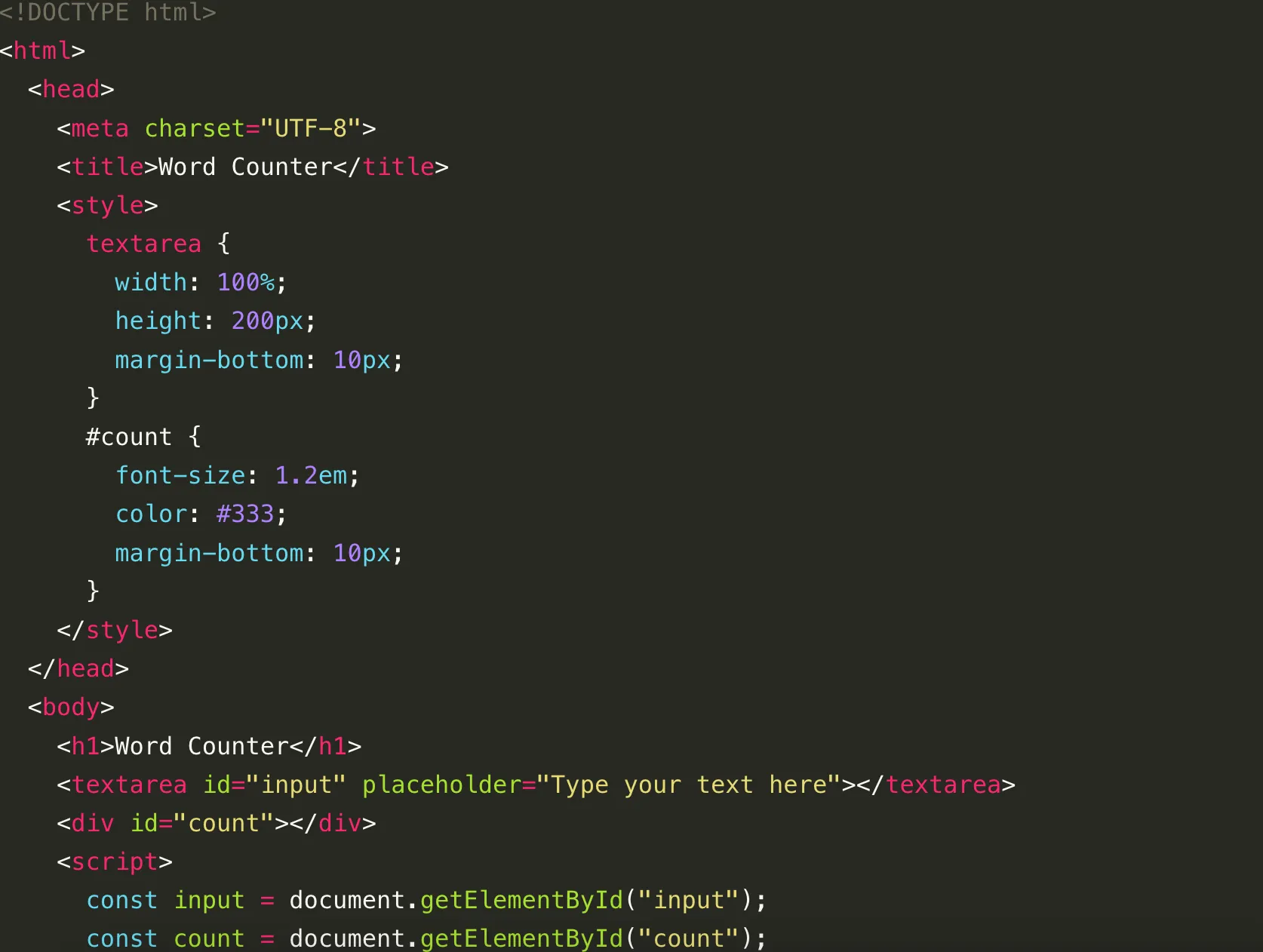
This article uses a very small prompt to test ChatGPT’s ability to generate front-end code: ask it to build a page that counts text.
The prompt was:
write full code to count the number of words in a txt area, with html,css and javascript
Here is the response:
<!DOCTYPE html>
<html>
  <head>
    <meta charset="UTF-8">
    <title>Word Counter</title>
    <style>
      textarea {
        width: 100%;
        height: 200px;
        margin-bottom: 10px;
      }
      #count {
        font-size: 1.2em;
        color: #333;
        margin-bottom: 10px;
      }
    </style>
  </head>
  <body>
    <h1>Word Counter</h1>
    <textarea id="input" placeholder="Type your text here"></textarea>
    <div id="count"></div>
    <script>
      const input = document.getElementById("input");
      const count = document.getElementById("count");

      function updateCount() {
        const text = input.value.trim();
        const words = text.split(/\s+/);
        count.textContent = `Word count: ${words.length}`;
      }

      input.addEventListener("input", updateCount);
    </script>
  </body>
</html>
This works fine for counting English words, but it is not ideal for Chinese text.
Why This Version Works Better for English
The key line is this one:
const words = text.split(/\s+/);
It assumes that words are separated by spaces. That is a reasonable shortcut for English, but not for Chinese, because Chinese text is not naturally segmented by spaces in the same way.
A Better Follow-up Prompt for Chinese Text
A more practical next step is to ask ChatGPT to show both:
- a word count for space-separated text
- a character count for languages such as Chinese
For example, you can continue with:
improve it so it shows both word count and character count, and make it work better for Chinese text
One practical version looks like this:
<!DOCTYPE html>
<html>
  <head>
    <meta charset="UTF-8">
    <title>Word And Character Counter</title>
    <style>
      body {
        font-family: sans-serif;
        max-width: 720px;
        margin: 40px auto;
        padding: 0 16px;
      }
      textarea {
        width: 100%;
        height: 220px;
        margin-bottom: 12px;
        padding: 12px;
        box-sizing: border-box;
      }
      .result {
        font-size: 1rem;
        color: #333;
        line-height: 1.8;
      }
    </style>
  </head>
  <body>
    <h1>Text Counter</h1>
    <textarea id="input" placeholder="Type your text here"></textarea>
    <div class="result" id="result"></div>

    <script>
      const input = document.getElementById("input");
      const result = document.getElementById("result");

      function updateCount() {
        const text = input.value;
        const trimmed = text.trim();
        const wordCount = trimmed ? trimmed.split(/\s+/).length : 0;
        const charCount = text.replace(/\s/g, "").length;

        result.innerHTML = `Word count: ${wordCount}<br>Character count: ${charCount}`;
      }

      input.addEventListener("input", updateCount);
      updateCount();
    </script>
  </body>
</html>
This still is not the same as true Chinese word segmentation, but it is much more practical than only counting English-style words because it also reports the total number of non-space characters.
Summary
This small example shows a common pattern in AI-assisted coding: ChatGPT can generate a usable first draft very quickly, but whether the result is actually suitable depends on how clearly you describe the real text rules and edge cases.
In other words, ChatGPT is good at building the first runnable version, but the last mile still depends on you refining the prompt and checking whether the logic matches the real use case.
- 原文作者:春江暮客
- 原文链接:https://www.bobobk.com/en/762.html
- 版权声明:本作品采用 知识共享署名-非商业性使用-禁止演绎 4.0 国际许可协议 进行许可,非商业转载请注明出处(作者,原文链接),商业转载请联系作者获得授权。
相关文章
- Drawing a Stunning "Dream of the Red Chamber" Word Cloud with Python 3
- boxes: An Interesting Command-Line String Shaping Tool
- Using find and sed to Batch Replace Strings in Text
- Deploy Flask Python Web Service in Production Environment Using Gunicorn
- Decoding Xunlei Thunder Links: Python and JavaScript Conversion Examples