Build a Sky Flap Browser Game with Phaser: Source Download to Local Run
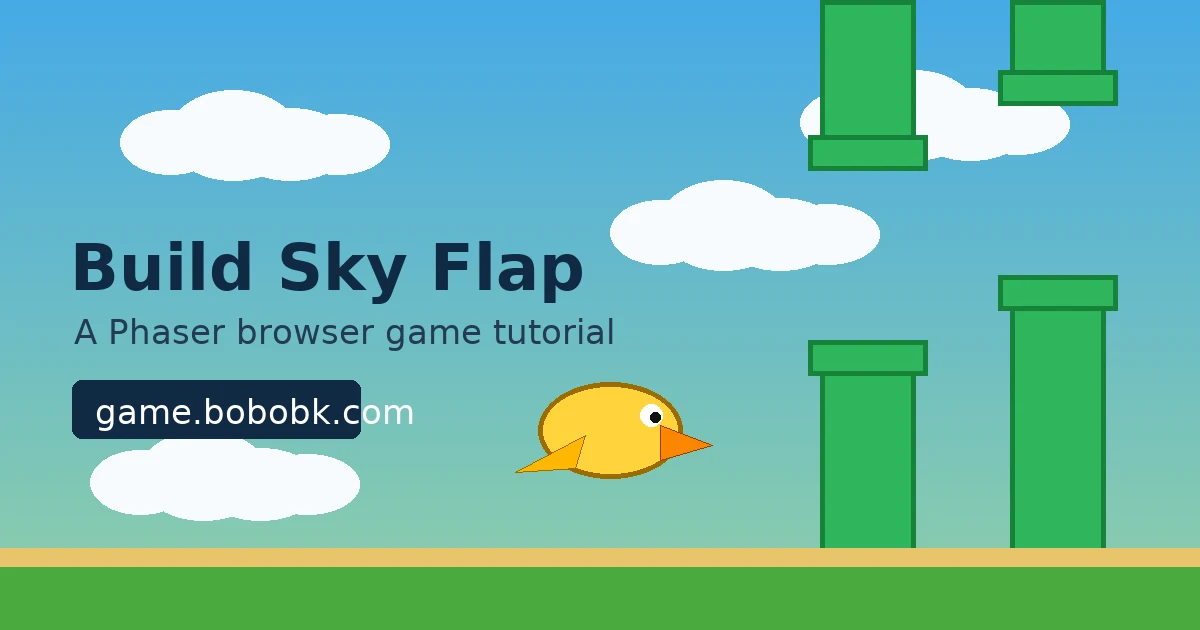
Many browser games look like a single Canvas, but a playable version still needs input, gravity, collision, scoring, restart logic, and deployment. This article uses my Sky Flap game as the example. The practical goal is simple: download the live page source, understand the Phaser project shape, then build a small flying obstacle game with Vite and Phaser that can run locally and be published.
You can play the live version first:
Method 1: Download the live page source
If you only want to inspect the current live HTML, use curl. Because this example accesses the site through an IP address, pass the Host header manually:
curl -L -H 'Host:game.bobobk.com' http://152.67.254.178/play/sky-flap/ -o sky-flap.html
After downloading, check which scripts and styles the page loads:
grep -oE 'src="[^"]+"' sky-flap.html
grep -oE 'href="[^"]+"' sky-flap.html
If the page was built by Vite, you will usually see an entry similar to this:
<script type="module" crossorigin src="/assets/index-DQ8f3xY2.js"></script>
<link rel="stylesheet" crossorigin href="/assets/index-BG4p7kLm.css">
Then download the JS bundle:
JS_PATH=$(grep -oE '/assets/[^"]+\.js' sky-flap.html | head -1)
curl -L -H 'Host:game.bobobk.com' "http://152.67.254.178${JS_PATH}" -o sky-flap.bundle.js
The point is not to edit the minified bundle directly. The useful part is confirming the game entry, asset paths, and deployment shape. For real development, keep a clean source project and use npm run build to generate the live files.
Method 2: Create a Phaser project
Create a Vite project first, then install Phaser:
npm create vite@latest sky-flap -- --template vanilla
cd sky-flap
npm install
npm install phaser
Start the development server:
npm run dev -- --host 0.0.0.0
Open the URL printed in the terminal. If you debug on a server, make sure the port is open, or proxy the Vite dev port through Nginx.
Implementation: build a minimal playable Sky Flap
First, simplify index.html to one game container:
<!doctype html>
<html lang="en">
  <head>
    <meta charset="UTF-8" />
    <meta name="viewport" content="width=device-width, initial-scale=1.0" />
    <title>Sky Flap</title>
  </head>
  <body>
    <div id="game"></div>
    <script type="module" src="/src/main.js"></script>
  </body>
</html>
Then write src/main.js. This version does not require external image files. It generates textures with Phaser, so you can copy it and run immediately:
import Phaser from 'phaser';

const WIDTH = 480;
const HEIGHT = 720;
const GRAVITY = 900;
const FLAP = -360;

class SkyFlap extends Phaser.Scene {
  constructor() {
    super('SkyFlap');
    this.score = 0;
    this.gameOver = false;
  }

  create() {
    this.score = 0;
    this.gameOver = false;
    this.createTextures();

    this.add.image(WIDTH / 2, HEIGHT / 2, 'sky').setDisplaySize(WIDTH, HEIGHT);
    this.player = this.physics.add.sprite(120, HEIGHT / 2, 'bird');
    this.player.setCircle(18);
    this.player.setCollideWorldBounds(true);

    this.pipes = this.physics.add.group();
    this.scoreText = this.add.text(24, 24, '0', {
      fontFamily: 'Arial',
      fontSize: '42px',
      color: '#ffffff',
      stroke: '#1f2937',
      strokeThickness: 6,
    });

    this.input.on('pointerdown', () => this.flap());
    this.input.keyboard.on('keydown-SPACE', () => this.flap());

    this.time.addEvent({
      delay: 1350,
      callback: this.spawnPipePair,
      callbackScope: this,
      loop: true,
    });

    this.physics.add.overlap(this.player, this.pipes, () => this.endGame());
  }

  update() {
    if (this.gameOver) return;

    this.player.rotation = Phaser.Math.Clamp(this.player.body.velocity.y / 500, -0.45, 0.9);

    this.pipes.children.iterate((pipe) => {
      if (!pipe) return;
      if (!pipe.scored && pipe.x < this.player.x && pipe.getData('scorePipe')) {
        pipe.scored = true;
        this.score += 1;
        this.scoreText.setText(String(this.score));
      }
      if (pipe.x < -80) pipe.destroy();
    });

    if (this.player.y > HEIGHT - 20 || this.player.y < 20) {
      this.endGame();
    }
  }

  flap() {
    if (this.gameOver) {
      this.scene.restart();
      return;
    }
    this.player.setVelocityY(FLAP);
  }

  spawnPipePair() {
    if (this.gameOver) return;

    const gap = 185;
    const center = Phaser.Math.Between(210, HEIGHT - 210);
    const topHeight = center - gap / 2;
    const bottomY = center + gap / 2;
    const bottomHeight = HEIGHT - bottomY;

    this.addPipe(WIDTH + 60, topHeight / 2, topHeight, false);
    this.addPipe(WIDTH + 60, bottomY + bottomHeight / 2, bottomHeight, true);
  }

  addPipe(x, y, height, scorePipe) {
    const pipe = this.pipes.create(x, y, 'pipe');
    pipe.setDisplaySize(74, height);
    pipe.setVelocityX(-190);
    pipe.setImmovable(true);
    pipe.body.allowGravity = false;
    pipe.setData('scorePipe', scorePipe);
    return pipe;
  }

  endGame() {
    if (this.gameOver) return;
    this.gameOver = true;
    this.physics.pause();
    this.add.text(WIDTH / 2, HEIGHT / 2, 'Game Over\\nClick to restart', {
      fontFamily: 'Arial',
      fontSize: '34px',
      color: '#ffffff',
      align: 'center',
      stroke: '#111827',
      strokeThickness: 6,
    }).setOrigin(0.5);
  }

  createTextures() {
    const g = this.add.graphics();

    g.fillStyle(0x55b7e8, 1);
    g.fillRect(0, 0, WIDTH, HEIGHT);
    g.generateTexture('sky', WIDTH, HEIGHT);

    g.clear();
    g.fillStyle(0xffd43b, 1);
    g.fillEllipse(24, 24, 48, 36);
    g.fillStyle(0xfb8500, 1);
    g.fillTriangle(44, 20, 66, 28, 44, 36);
    g.generateTexture('bird', 72, 52);

    g.clear();
    g.fillStyle(0x2fb65d, 1);
    g.fillRect(0, 0, 74, 420);
    g.lineStyle(4, 0x16823a, 1);
    g.strokeRect(0, 0, 74, 420);
    g.generateTexture('pipe', 74, 420);

    g.destroy();
  }
}

new Phaser.Game({
  type: Phaser.AUTO,
  parent: 'game',
  width: WIDTH,
  height: HEIGHT,
  backgroundColor: '#55b7e8',
  physics: {
    default: 'arcade',
    arcade: {
      gravity: { y: GRAVITY },
      debug: false,
    },
  },
  scene: SkyFlap,
});
This version already has a complete gameplay loop:
- Click or press Space to flap upward
- Pipes move from right to left
- Collision or flying out of bounds ends the game
- Click again after game over to restart
Build and publish
After the game works locally, build it:
npm run build
Vite creates the dist/ directory. Preview it locally:
npm run preview -- --host 0.0.0.0
To publish the game under /play/sky-flap/, upload dist/ to that directory. Example:
rsync -av --delete dist/ user@example.com:/var/www/game/play/sky-flap/
If the site is not deployed at the domain root, set base in vite.config.js:
import { defineConfig } from 'vite';

export default defineConfig({
  base: '/play/sky-flap/',
});
Validation
After publishing, check three things:
curl -I https://game.bobobk.com/play/sky-flap/
curl -L https://game.bobobk.com/play/sky-flap/ | grep -E 'script|stylesheet'
Then confirm in the browser:
- The page opens
- Click or Space controls the player
- Collision shows
Game Over - Refreshing the page has no 404 errors for JS, CSS, or image files
Troubleshooting
1. Blank page
Open browser DevTools and check the Console first. The most common cause is a wrong asset path. When deploying under /play/sky-flap/, set this in vite.config.js:
export default defineConfig({
  base: '/play/sky-flap/',
});
2. Phaser module cannot be resolved
If you see Failed to resolve import "phaser", the dependency is missing:
npm install phaser
3. Live source cannot be downloaded
If DNS does not point to the target machine, download through the IP address with the Host header:
curl -L -H 'Host:game.bobobk.com' http://152.67.254.178/play/sky-flap/ -o sky-flap.html
If the same command returns 200 on your machine but fails on a server, the cause is usually outbound network rules, data center firewall rules, or security group restrictions in the current environment. Run the command from a machine that can reach the target IP.
Summary
Phaser is a good fit for lightweight browser games like this because input, physics, collision, timers, and Canvas rendering are already handled. In a real project, download the live page source to confirm deployment structure, but keep the actual game logic in a clean Vite source project. Sky Flap is small, but it demonstrates the two parts that matter most: a playable loop and a publishable build.
- 原文作者:春江暮客
- 原文链接:https://www.bobobk.com/en/build-phaser-sky-flap-game.html
- 版权声明:本作品采用 知识共享署名-非商业性使用-禁止演绎 4.0 国际许可协议 进行许可,非商业转载请注明出处(作者,原文链接),商业转载请联系作者获得授权。