Secure Python MCP Server: Add Boundaries to AI Tool Calls
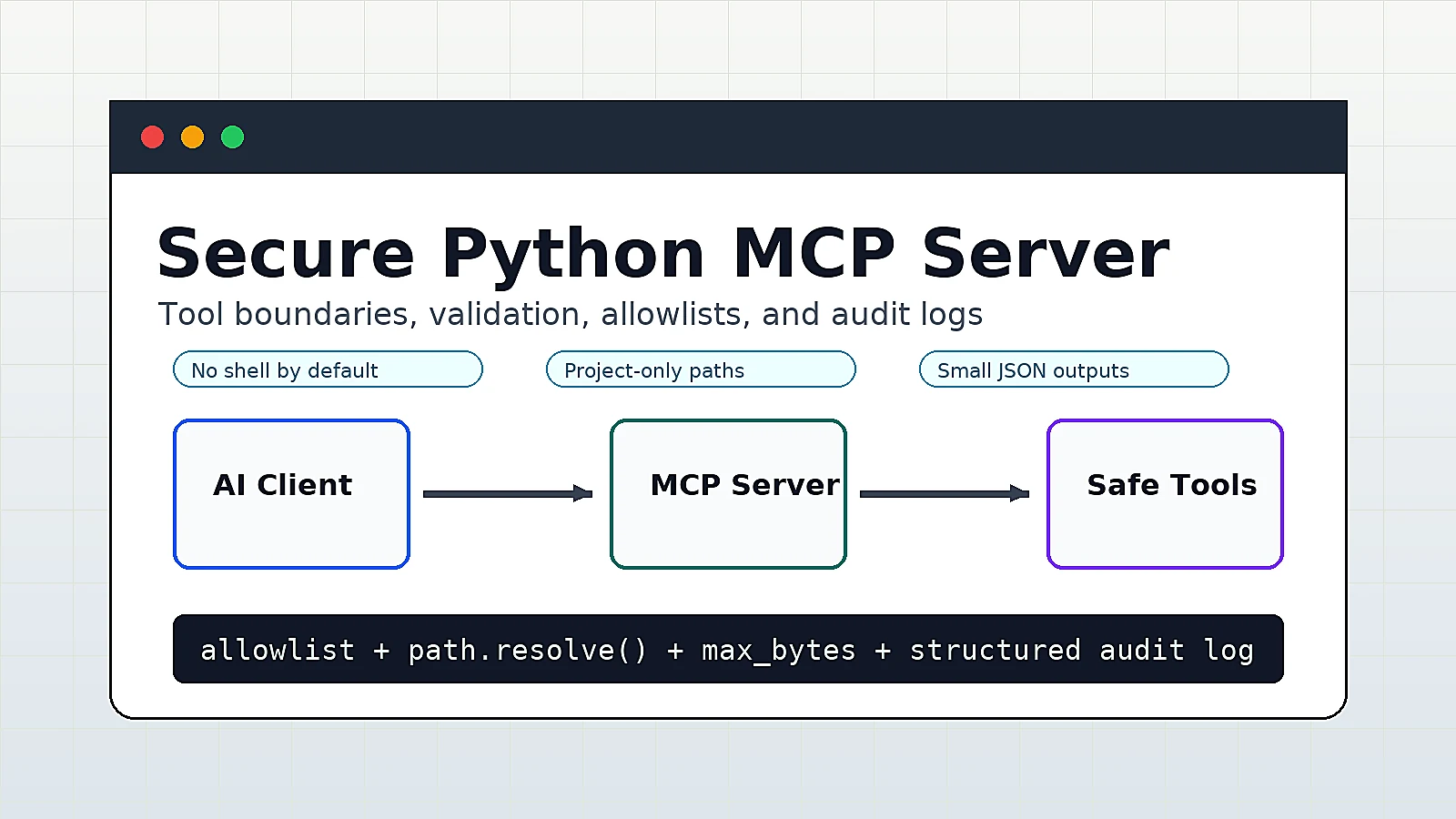
It is easy to build a first MCP Server. Once you connect it to an AI client, a second problem appears quickly: the model can call tools, but it may also send bad arguments, out-of-scope paths, or unsafe commands to those tools.
This article has one practical goal: build a safer local MCP Server with Python and FastMCP. It does not try to implement a complex permission system. It starts with four useful controls:
- Limit tools to the project directory
- Read only allowlisted file suffixes
- Limit single-read file size
- Log every tool call for auditing
Method 1: Define the Security Boundary First
Do not start from “let the AI do everything.” Start by writing down what it must not do.
The example tools in this article only allow:
- Listing a small number of text-like files inside the project
- Reading safe-suffix files inside the project
- Parsing top-level keys from a JSON config file inside the project
They do not allow:
- Using
../to escape the project directory - Reading large files
- Running arbitrary shell commands
- Returning unlimited content
This boundary is simple, but it covers many local development, documentation, and config-checking workflows.
Method 2: Create a Safer MCP Server
1. Prepare the environment
Use uv to create an isolated project:
mkdir secure-mcp-tools
cd secure-mcp-tools
uv init
uv add "mcp[cli]"
Create test files:
printf '# Demo\n\nhello secure MCP\n' > README.md
printf '{"name":"demo","debug":true}\n' > config.json
Verify that the MCP development command is available:
uv run mcp --help
If you can see the dev subcommand, the environment is ready.
2. Write server.py
Create server.py:
from __future__ import annotations

import json
from datetime import datetime, timezone
from pathlib import Path
from typing import Any

from mcp.server.fastmcp import FastMCP


mcp = FastMCP("Secure Local Tools")

PROJECT_ROOT = Path.cwd().resolve()
AUDIT_LOG = PROJECT_ROOT / "mcp-audit.log"
ALLOWED_SUFFIXES = {".md", ".txt", ".json", ".yaml", ".yml", ".py"}
MAX_FILE_BYTES = 64 * 1024
MAX_LIST_RESULTS = 50


def audit(event: str, **fields: Any) -> None:
    record = {
        "time": datetime.now(timezone.utc).isoformat(),
        "event": event,
        **fields,
    }
    with AUDIT_LOG.open("a", encoding="utf-8") as fp:
        fp.write(json.dumps(record, ensure_ascii=False) + "\n")


def resolve_project_path(path: str) -> Path:
    if not path or path.startswith(("/", "~")) or "\x00" in path:
        raise ValueError("path must be a relative project path")

    target = (PROJECT_ROOT / path).resolve()

    try:
        target.relative_to(PROJECT_ROOT)
    except ValueError as exc:
        raise ValueError("path must stay inside the project") from exc

    return target


def check_readable_file(path: str) -> Path:
    target = resolve_project_path(path)

    if not target.exists() or not target.is_file():
        raise ValueError("file does not exist")

    if target.suffix.lower() not in ALLOWED_SUFFIXES:
        raise ValueError(f"suffix is not allowed: {target.suffix}")

    size = target.stat().st_size
    if size > MAX_FILE_BYTES:
        raise ValueError(f"file is too large: {size} bytes")

    return target


@mcp.tool()
def list_allowed_files(directory: str = ".") -> list[str]:
    """List safe text-like files under the project directory."""
    target = resolve_project_path(directory)

    if not target.exists() or not target.is_dir():
        raise ValueError("directory does not exist")

    results: list[str] = []
    for item in sorted(target.rglob("*")):
        if item.is_file() and item.suffix.lower() in ALLOWED_SUFFIXES:
            results.append(str(item.relative_to(PROJECT_ROOT)))
        if len(results) >= MAX_LIST_RESULTS:
            break

    audit("list_allowed_files", directory=directory, count=len(results))
    return results


@mcp.tool()
def read_allowed_file(path: str) -> dict[str, Any]:
    """Read one small allowlisted file inside the project directory."""
    target = check_readable_file(path)
    content = target.read_text(encoding="utf-8")

    audit("read_allowed_file", path=path, bytes=target.stat().st_size)
    return {
        "path": str(target.relative_to(PROJECT_ROOT)),
        "bytes": target.stat().st_size,
        "content": content,
    }


@mcp.tool()
def summarize_json_keys(path: str) -> dict[str, Any]:
    """Return top-level keys from a small JSON file."""
    target = check_readable_file(path)

    if target.suffix.lower() != ".json":
        raise ValueError("path must point to a JSON file")

    data = json.loads(target.read_text(encoding="utf-8"))
    if not isinstance(data, dict):
        raise ValueError("JSON root must be an object")

    keys = sorted(str(key) for key in data.keys())
    audit("summarize_json_keys", path=path, keys=len(keys))
    return {
        "path": str(target.relative_to(PROJECT_ROOT)),
        "keys": keys,
    }


if __name__ == "__main__":
    mcp.run()
The important part is not the number of tools. The important part is that every tool has a clear boundary:
resolve_project_path()prevents path escapeALLOWED_SUFFIXEScontrols readable file typesMAX_FILE_BYTESlimits returned content sizeaudit()writes call records tomcp-audit.log
Method 3: Debug and Validate
Start MCP Inspector:
uv run mcp dev server.py
In Inspector, call list_allowed_files first:
{
  "directory": "."
}
You should see a result like this:
[
  "README.md",
  "config.json"
]
Then call read_allowed_file:
{
  "path": "README.md"
}
Expected response:
{
  "path": "README.md",
  "bytes": 24,
  "content": "# Demo\n\nhello secure MCP\n"
}
Test the JSON parsing tool:
{
  "path": "config.json"
}
Expected response:
{
  "path": "config.json",
  "keys": [
    "debug",
    "name"
  ]
}
Finally, check the audit log:
cat mcp-audit.log
The output should look like this:
{"time":"2026-06-01T01:05:30.123456+00:00","event":"list_allowed_files","directory":".","count":2}
{"time":"2026-06-01T01:05:41.123456+00:00","event":"read_allowed_file","path":"README.md","bytes":24}
Troubleshooting
Error 1: path must stay inside the project
If the client sends:
{
  "path": "../.ssh/id_rsa"
}
The server rejects the request. The fix is not to remove the boundary. Copy the needed file into the project directory, or design a stricter dedicated tool for a specific directory.
Error 2: suffix is not allowed
If you need to read .toml or .csv, confirm the business need first, then add the suffix to the allowlist:
ALLOWED_SUFFIXES = {".md", ".txt", ".json", ".yaml", ".yml", ".py", ".toml"}
Do not change this into “allow every suffix” for convenience.
Error 3: file is too large
Do not return large files to the model in full. A better pattern is to add a dedicated tool that returns the first N lines, matching lines, or a structured summary.
For example:
@mcp.tool()
def head_file(path: str, lines: int = 40) -> list[str]:
    target = check_readable_file(path)
    lines = max(1, min(lines, 200))
    return target.read_text(encoding="utf-8").splitlines()[:lines]
Error 4: You want MCP to run commands
Do not expose a tool like this directly:
import subprocess


@mcp.tool()
def run_command(command: str) -> str:
    return subprocess.check_output(command, shell=True, text=True)
If you really need command execution, use a fixed allowlist:
import subprocess


ALLOWED_COMMANDS = {
    "git_status": ["git", "status", "--short"],
    "git_branch": ["git", "branch", "--show-current"],
}


@mcp.tool()
def run_safe_command(name: str) -> str:
    if name not in ALLOWED_COMMANDS:
        raise ValueError("command is not allowed")

    return subprocess.check_output(
        ALLOWED_COMMANDS[name],
        cwd=PROJECT_ROOT,
        text=True,
        timeout=10,
    )
The key idea is: let the model choose a business action, not compose an arbitrary shell string.
Summary
The biggest risk in an MCP Server is often not code complexity. It is a tool boundary that is too wide. A practical safer version should include path limits, type allowlists, size limits, and audit logs.
This does not replace a full permission system, but it puts local tool calls under control first. When you later connect databases, internal APIs, or remote services, keep using the same least-privilege tool design.
References:
- Model Context Protocol documentation:
https://modelcontextprotocol.io/docs - MCP Python SDK:
https://github.com/modelcontextprotocol/python-sdk
- 原文作者:春江暮客
- 原文链接:https://www.bobobk.com/en/secure-python-mcp-server.html
- 版权声明:本作品采用 知识共享署名-非商业性使用-禁止演绎 4.0 国际许可协议 进行许可,非商业转载请注明出处(作者,原文链接),商业转载请联系作者获得授权。
相关文章
- 2026 Practical Guide: Build Your First MCP Server with Python
- Deploying an SSH Honeypot with Docker to Record SSH Login Passwords
- 2026 Practical Python Workflow: Replace pip, venv, and pipx with uv
- 2026 Webmaster Playbook: Automate llms.txt for AI Search with Python
- Build Your Own Solana Wallet Toolkit (Batch Address Generation / SOL and USDT Transfer)