2026 Webmaster Playbook: Automate llms.txt for AI Search with Python
On this page
A clear shift is happening in 2026: more content discovery starts from AI search and answer systems, not only classic search results.
The practical problem is that many sites still face three issues:
- AI systems discover pages slowly
- They crawl pages but miss the key content
- New posts go live, but discovery entry files are not updated in time
If you run a content site, adding llms.txt is a low-cost and practical upgrade.
In this tutorial, we will do it in a production-friendly way:
- Create a minimal manual
llms.txt - Move to Python auto-generation for long-term maintenance
- Validate the file after deployment
Which sites should prioritize llms.txt
llms.txt is usually worth doing first if any of these apply:
- Your site already has a meaningful amount of content, but AI search citations are still inconsistent
- You publish bilingual content and want a single place to surface core entry points
- You post frequently and do not want to maintain discovery files by hand
If your site only has a few pages, or your content structure is still messy, do not treat llms.txt as a magic fix. In that case, improve article quality, sitemap.xml, and crawl accessibility first, then add llms.txt on top.
What is llms.txt
Think of llms.txt as a focused navigation file for AI-oriented content discovery.
It is usually placed at your site root, for example:
https://www.bobobk.com/llms.txt
It does not replace sitemap.xml or robots.txt. Its practical role is:
- Highlight the sections and pages you want AI systems to prioritize
- Provide a concise, human-readable map of high-value URLs
- Reduce crawl path friction for AI retrievers
Method 1: Start with a minimal manual version
Keep it simple first.
Create static/llms.txt with content like this:
# Bobobk

> Practical tutorials on Python, Linux, SEO automation, and data tools.

## Core Sections
- Blog (CN): https://www.bobobk.com/
- Blog (EN): https://www.bobobk.com/en/
- Latest posts: https://www.bobobk.com/index.xml

## High-value guides
- https://www.bobobk.com/how-to-improve-index-speed-by-indexnow.html
- https://www.bobobk.com/python-wordpress-workflow.html
- https://www.bobobk.com/build_own_tron_wallet.html
- https://www.bobobk.com/build_own_solana_wallet.html
With Hugo, this will be published automatically at the site root.
Before shipping the minimal version, check these three points:
- The file path is fixed at
static/llms.txt - Every listed URL resolves directly without long redirect chains
- The file focuses on category pages, homepages, and high-value guides instead of dumping every post
Method 2: Auto-generate llms.txt with Python
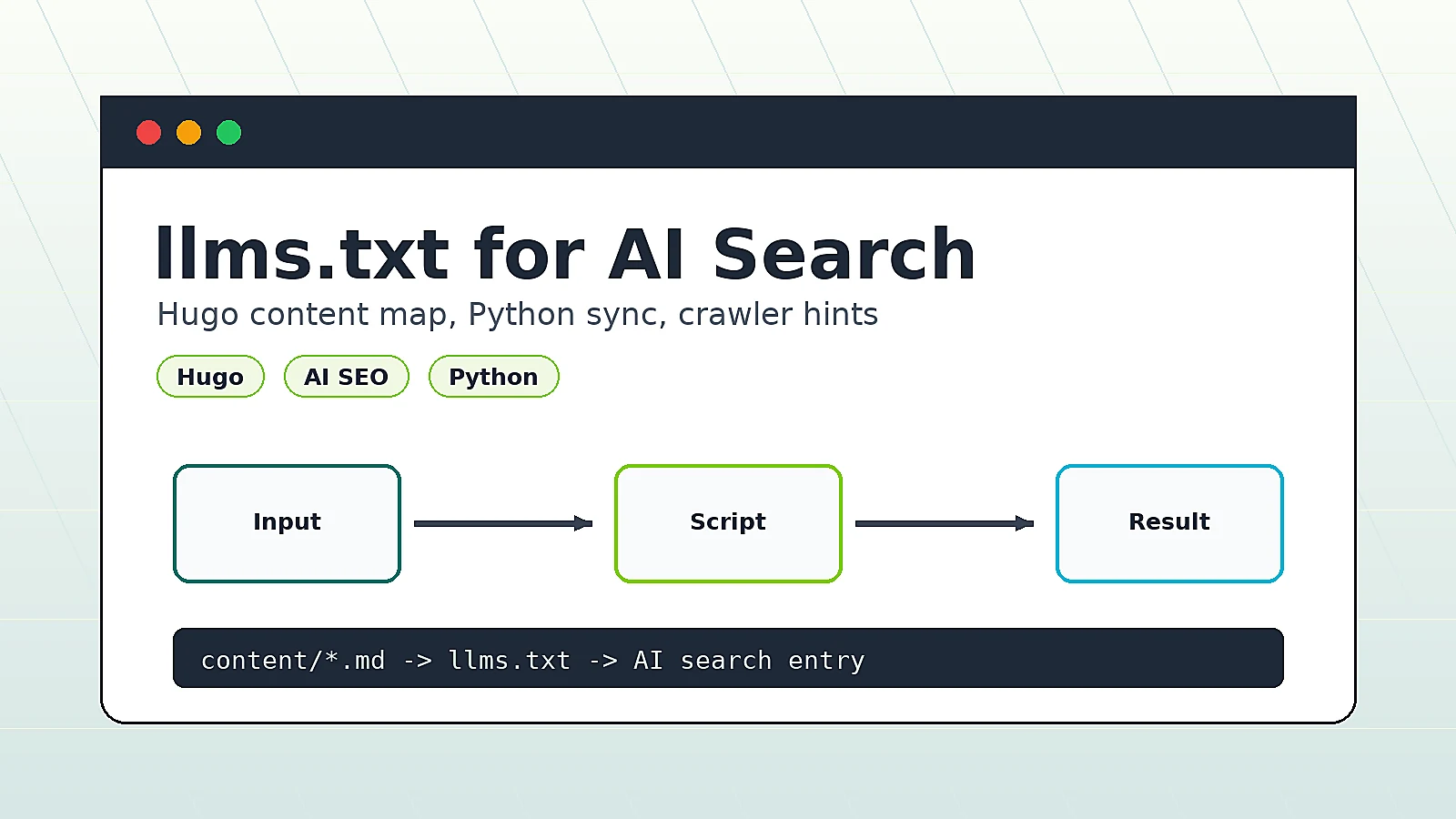
Manual updates do not scale. The script below does three things:
- Read
public/index.xml - Select the latest posts by publish/update time
- Write a fresh
static/llms.txt
1. Environment
This implementation uses only Python standard libraries, so no extra package is required.
2. Script code
#!/usr/bin/env python3
from __future__ import annotations

from datetime import datetime
from email.utils import parsedate_to_datetime
from pathlib import Path
import xml.etree.ElementTree as ET

SITE_NAME = "Bobobk"
SITE_DESC = "Practical tutorials on Python, Linux, SEO automation, and data tools."
SITE_CN = "https://www.bobobk.com/"
SITE_EN = "https://www.bobobk.com/en/"
RSS_PATH = Path("public/index.xml")
RSS_URL = "https://www.bobobk.com/index.xml"
OUTPUT = Path("static/llms.txt")
TOP_N = 20


def parse_pub_date(value: str | None) -> datetime:
    if not value:
        return datetime.min
    try:
        return parsedate_to_datetime(value)
    except Exception:
        return datetime.min


def text_of(parent: ET.Element, tag: str, default: str = "") -> str:
    node = parent.find(tag)
    if node is None or node.text is None:
        return default
    return node.text.strip()


def read_items_from_rss(path: Path) -> list[dict[str, str | datetime]]:
    if not path.exists():
        return []

    root = ET.parse(path).getroot()
    channel = root.find("channel")
    if channel is None:
        return []

    items: list[dict[str, str | datetime]] = []
    for item in channel.findall("item"):
        title = text_of(item, "title", "Untitled")
        link = text_of(item, "link", "")
        pub_date = parse_pub_date(text_of(item, "pubDate", ""))
        if link:
            items.append({"title": title, "link": link, "pub_date": pub_date})

    items.sort(key=lambda x: x["pub_date"], reverse=True)
    return items


def build_llms_text(items: list[dict[str, str | datetime]]) -> str:
    lines = [
        f"# {SITE_NAME}",
        "",
        f"> {SITE_DESC}",
        "",
        "## Core Sections",
        f"- Blog (CN): {SITE_CN}",
        f"- Blog (EN): {SITE_EN}",
        f"- Latest posts: {RSS_URL}",
        "",
        "## Latest High-value Posts",
    ]

    for item in items[:TOP_N]:
        title = str(item["title"]).replace("\n", " ").strip()
        link = str(item["link"]).strip()
        lines.append(f"- {title}: {link}")

    lines.append("")
    return "\n".join(lines)


def main() -> None:
    items = read_items_from_rss(RSS_PATH)
    content = build_llms_text(items)

    OUTPUT.parent.mkdir(parents=True, exist_ok=True)
    OUTPUT.write_text(content, encoding="utf-8")

    print(f"Generated {OUTPUT} with {min(len(items), TOP_N)} links")


if __name__ == "__main__":
    main()
3. Run commands
# Build first to refresh public/index.xml
hugo --config hugotest.toml -d public/

# Generate llms.txt
python3 scripts/generate_llms_txt.py

# Build again to publish static/llms.txt at site root
hugo --config hugotest.toml -d public/
Validate after deployment
1. Check the local build output first
ls -lh static/llms.txt
head -n 20 static/llms.txt
Expected:
- The file exists
- The header, core sections, and recent article links are present
2. Check accessibility
curl -I https://www.bobobk.com/llms.txt
curl https://www.bobobk.com/llms.txt | head -n 30
Expected:
- HTTP status
200 - Latest article links appear in file content
3. Optional: submit with IndexNow
If you already use IndexNow, submit llms.txt together with your new URLs.
python indexnow.py "https://www.bobobk.com/llms.txt"
Troubleshooting
Issue 1: llms.txt returns 404
Most common cause: wrong file location.
Fix:
- Make sure file path is
static/llms.txt - Rebuild Hugo output
- Purge CDN cache if needed
Issue 2: links in llms.txt are outdated
Most common cause: generation order is wrong.
Fix:
- Build site first to refresh
public/index.xml - Run Python generator
- Build site again to publish latest
llms.txt
Issue 3: too many low-quality links
llms.txt is not better when longer.
Best practice:
- Keep core sections and high-value pages only
- Keep structure stable
- Avoid long redirect chains in listed URLs
Issue 4: the script runs, but llms.txt is empty or has too few posts
Most common cause: public/index.xml was not generated yet, or the feed itself does not contain the latest items.
Fix:
- Run
hugo --config hugotest.toml -d public/first - Confirm
public/index.xmlexists and contains freshitementries - Run the generator again
Related reading
If you want to turn llms.txt into part of your daily publishing workflow, these posts connect directly to the next steps:
- How to Improve Website Indexing Speed with IndexNow: useful when you want to push the updated discovery file to search engines right after publishing
- Automatically Publishing Articles to WordPress Using a Python Script: A Complete Workflow Analysis: useful for connecting publishing, discovery-file refresh, and indexing into one automation chain
- How to Convert Between YAML and JSON (Complete Python/JavaScript Guide): useful if you later want to move category mappings or generation rules into config files
Summary
For content sites in 2026, llms.txt is still a practical improvement that costs very little to implement.
The more reliable strategy is to ship a minimal version first, then connect it to your Hugo build and publishing workflow. That turns llms.txt from a one-time file into a maintained AI discovery entry.
Combined with sitemap.xml and IndexNow, it gives you a cleaner path from publishing to discovery to citation.
- Author: yanzhi
- Original article: https://www.bobobk.com/en/llms-txt-for-ai-search.html
- License: This work is licensed under CC BY-NC-ND 4.0. See the license for attribution, noncommercial use and no-derivatives terms.
Related articles
- Scraping Emojis with Scrapy and Building a Search Website Using Flask
- Build Your Own Solana Wallet Toolkit (Batch Address Generation / SOL and USDT Transfer)
- Build Your Own TRON Wallet Toolkit (Batch Address Generation / USDT Transfer / Staking & Voting)
- How to Improve Website Indexing Speed with IndexNow
- Python: Creating Beautiful Lollipop Charts