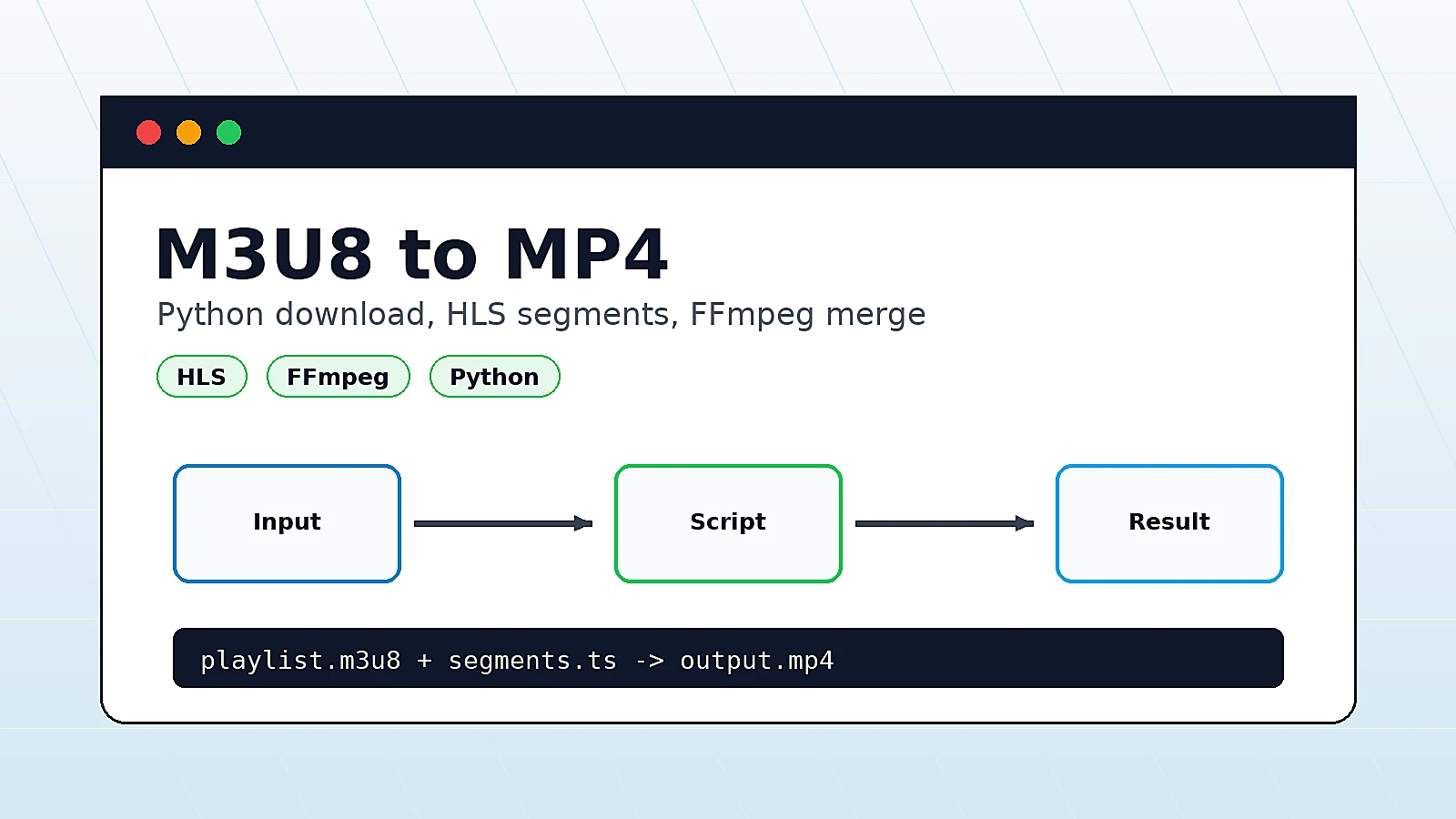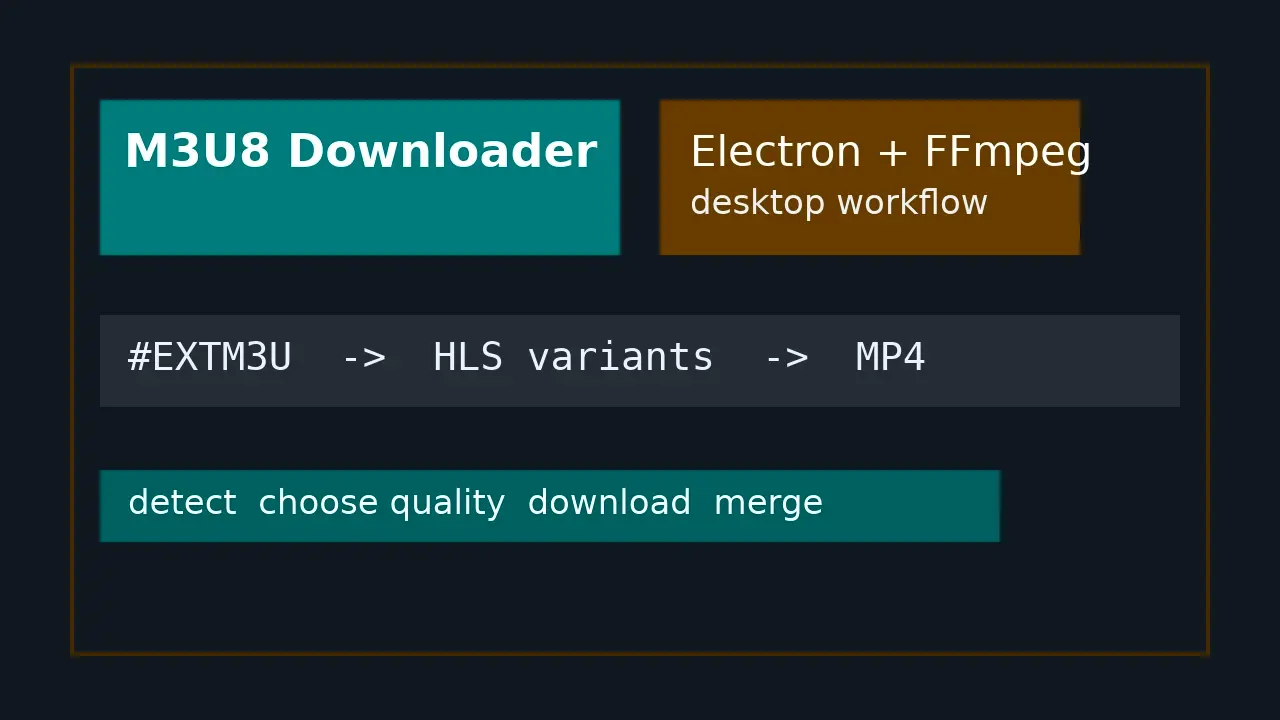
Sometimes you may want to download an M3U8 (HLS) video stream and convert it into an MP4 file for offline viewing or local storage, without relying on complex server-side solutions or paid software.

In this article, I will introduce two practical and commonly used methods to convert M3U8 to MP4:

  1. Using Python with the downloadm3u8 package
  2. Using static HTML with browser-side FFmpeg (FFmpeg.wasm)

Method 1: Convert M3U8 to MP4 Using Python downloadm3u8

This method is suitable for local machines or servers, requires installing dependencies, and is very stable.
It is recommended for large video files or batch downloads.

1. Install Dependencies

First, install ffmpeg (used for video merging) and the downloadm3u8 Python package:

apt install ffmpeg -y
pip install downloadm3u8

2. View Help Information

After installation, check the available options:

downloadm3u8 -h

Example output:

usage: m3u8downloader [-h] [--user-agent USER_AGENT] [--origin ORIGIN]
                      [--version] [--debug] --output OUTPUT
                      [--tempdir TEMPDIR] [--keep]
                      [--concurrency N]
                      URL

3. Download Example

Assume your M3U8 URL is: bobobk test m3u8

……

阅读全文