Online 2FA Code Generator: Local TOTP from a Secret or Authenticator URI
On this page
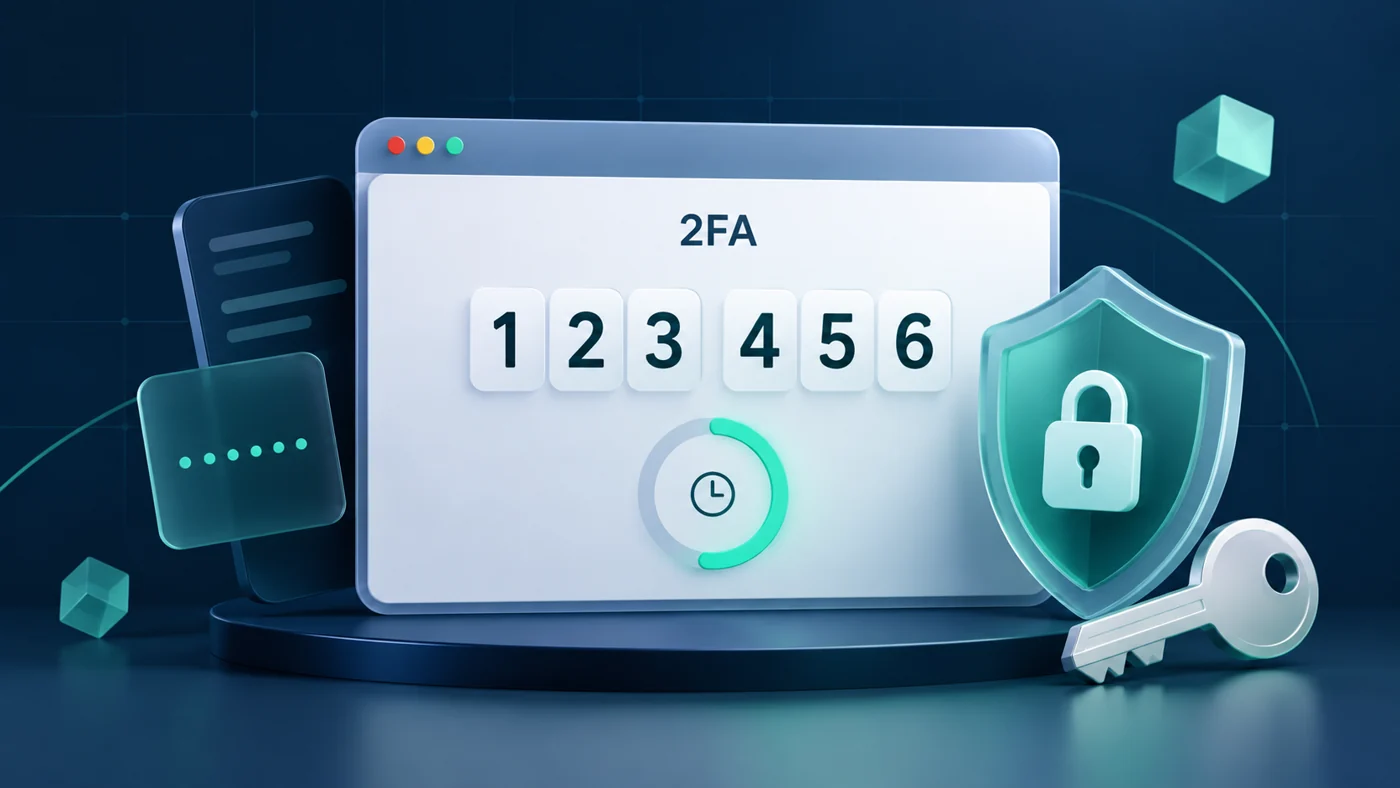
Testing two-factor authentication in your own application or checking an authenticator setup does not always require installing another app. This page includes a working TOTP code generator: enter a Base32 secret or otpauth://totp/ URI, calculate the current code in your browser, and refresh it each period.
The page concept takes inspiration from 2fa.run. This is an independent implementation and does not call that site’s API. It is intended for ordinary users and developers, with SHA1, six digits, and a 30-second period by default, plus adjustable settings.
Try the public demo before pasting any important account’s real secret. Local calculation is not risk-free. Prefer a trusted authenticator or passkeys for important accounts.
1. Online tool: enter a secret and generate a code
Open the standalone tool · Download the local bundle
The tool loads no third-party scripts; the embedded version runs in a restricted sandbox. If your browser blocks the embed or clipboard access, use the standalone page or download it and run on localhost. The surrounding blog may include analytics, advertisements, or other resources, so the whole article should not be described as making no network requests.
Method 1: use a Base32 secret
- Click Public demo to check that a code and countdown appear.
- Only in a trusted environment, enter a Base32 secret belonging to your own account. This is the long-lived secret supplied during two-factor setup, not your login password or an SMS message.
- If the account uses different parameters, expand Advanced settings, select the algorithm, six/eight digits and period, then click Generate code.
- Use the current code; near a refresh boundary, wait for the next period. Click Clear when finished.
This is a public test secret. Never use it for a real account:
GEZDGNBVGY3TQOJQGEZDGNBVGY3TQOJQ
Method 2: paste an authenticator URI
You can also enter a URI in this format, using the same public fixture:
otpauth://totp/Bobobk:demo?secret=GEZDGNBVGY3TQOJQGEZDGNBVGY3TQOJQ&issuer=Bobobk&algorithm=SHA1&digits=6&period=30
The URI’s algorithm, digits, and period override manual settings; omitted values default to SHA1, six digits, and 30 seconds. SHA1, SHA256, and SHA512 are supported, with periods from 1 to 300 seconds. The tool does not scan QR codes or support otpauth://hotp/, SMS codes, or push approvals.
Paste the authenticator URI into the tool’s input, not your browser’s address bar or this page’s URL. Loading secrets through the page URL is not supported.
2. Setup: run it on your own computer
Online use needs no installation, just a modern browser with Web Crypto and an HTTPS connection. The Web Crypto sign() API handles HMAC calculation and requires a secure context.
To inspect the source or run locally, install Python 3 and execute these commands in a new directory:
mkdir bobobk-2fa-demo
cd bobobk-2fa-demo
curl -fS https://www.bobobk.com/downloads/online-2fa-totp.zip -o online-2fa-totp.zip
python3 -m zipfile -e online-2fa-totp.zip .
python3 -m http.server 8000 --bind 127.0.0.1 --directory online-2fa
Open http://127.0.0.1:8000/?lang=en. Stop the server with Ctrl+C. The bundle contains only HTML, CSS, and JavaScript: no npm, CDN, or backend API is required. After downloading and loading the local resources, code calculation needs no internet connection. Using localhost avoids browser restrictions that can affect opening an HTML file directly.
3. Implementation: turn a secret and time into a code
TOTP combines a shared secret with a time step to produce short-lived codes; the default step is 30 seconds. See RFC 6238 for the definition. In this tool, core.js decodes Base32, performs HMAC through Web Crypto, and applies dynamic truncation. ui.js handles input, refresh, and display.
To cross-check independently, run this Python standard-library example. It fixes the Unix timestamp at 59 and uses the public secret, SHA1, eight digits, and a 30-second period. This is not a current login code.
import base64
import hashlib
import hmac
import struct

secret = "GEZDGNBVGY3TQOJQGEZDGNBVGY3TQOJQ"
timestamp = 59
period = 30
digits = 8
key = base64.b32decode(secret)
counter = struct.pack(">Q", timestamp // period)
digest = hmac.new(key, counter, hashlib.sha1).digest()
offset = digest[-1] & 0x0F
value = int.from_bytes(digest[offset:offset + 4], "big") & 0x7FFFFFFF
print(str(value % (10 ** digits)).zfill(digits))
4. Validation: check a test vector, then account settings
The program above should print:
94287082
That is the SHA1 test value from RFC 6238 Appendix B. With the same parameters and six digits, the result is 287082. The online tool uses the current system time, so clicking Public demo will not keep showing this fixed value.
For a real configuration, compare against the original authenticator at the same time, with the same secret, algorithm, digits, and period. Also check:
- The code refreshes at the countdown boundary without submitting again.
- Editing the input or settings immediately removes the old code and requires generation again.
- Clear removes the page’s input and output; a reload does not automatically load a secret.
- With the public demo, open Developer Tools → Network, clear the resource log, then generate a code: calculation should produce no new requests. Do not capture or export debugging records containing real secrets.
5. Troubleshooting and security limits
| Problem | Fix |
|---|---|
| Invalid input | Check for a Base32 secret or TOTP URI, not a password, SMS, or QR image. Letter case and whitespace are accepted; arbitrary symbols are not. |
| Codes differ from your phone | Synchronize both devices’ clocks and check the algorithm, digits, and period. The displayed timezone itself does not change Unix time. Do not change parameters just to force a match. |
| Web Crypto is unavailable | Use the HTTPS standalone page or localhost method above and update your browser. Do not disable browser security policies. |
| Copy fails | The embed sandbox or browser permissions may block clipboard access. Open the standalone page, or manually select and copy the code. |
| Original secret is missing | This tool cannot recover a secret from old codes or bypass account verification. Use your original authenticator, recovery codes, or the service’s account recovery process. |
A leaked long-lived secret can let someone keep generating codes. Do not share it as if it were a single-use code. The tool does not write input to cookies, localStorage, sessionStorage, or the URL, and does not actively upload it. This is not a security audit: extensions, malware, or a modified page can still expose input.
Clear does not erase the system clipboard or other applications’ records, and does not guarantee secure overwriting of browser memory. If a real secret reaches an untrusted location, re-enroll two-factor authentication in the account’s security settings to invalidate the old secret, and refresh recovery codes.
6. Summary
Use this page to test your own TOTP configuration, compare parameters, or generate codes briefly. It does not enroll an account in two-factor authentication or replace account recovery. Start with the public demo and choose a trusted environment; keep important accounts on a trusted authenticator or passkeys.
- Author: yanzhi
- Original article: https://www.bobobk.com/en/online-2fa-totp.html
- License: This work is licensed under CC BY-NC-ND 4.0. See the license for attribution, noncommercial use and no-derivatives terms.