Decoding Xunlei Thunder Links: Python and JavaScript Conversion Examples
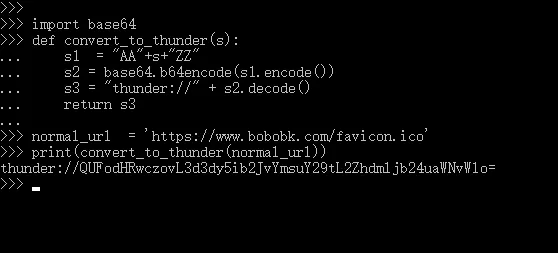
thunder:// Xunlei links, and gives both Python and JavaScript examples for encoding and decoding.……
春江暮客的个人学习分享网站
thunder:// Xunlei links, and gives both Python and JavaScript examples for encoding and decoding.……
activate.bat pattern you can reuse.……
@jit, @njit, @vectorize, and GPU-related features are most useful.……
Len array that allow it to run in $O(n)$ time.……
In a frequency distribution histogram, when the sample size is sufficiently enlarged to its limit, and the bin width is infinitely shortened, the step-like broken line in the frequency histogram will evolve into a smooth curve. This curve is called the density distribution curve of the population.
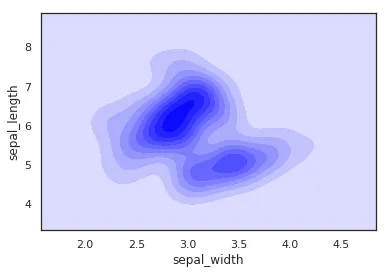
This article walks through how to use Seaborn with the Iris dataset in Pandas to plot several common kinds of kernel density curves.
import seaborn as sns
import pandas as pd
sns.set(color_codes=True)
sns.set_style("white")
df = pd.read_csv('iris.csv')
sns.kdeplot(df['sepal_width'])
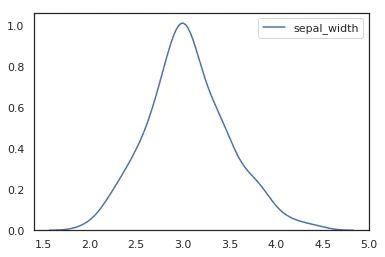
To plot a kernel density curve using Seaborn, you only need to use kdeplot. Note that a density curve only requires one variable; here we choose the sepal_width column.
import seaborn as sns
import pandas as pd
sns.set(color_codes=True)
sns.set_style("white")
df = pd.read_csv('iris.csv')
sns.kdeplot(df['sepal_width'], fill=True)
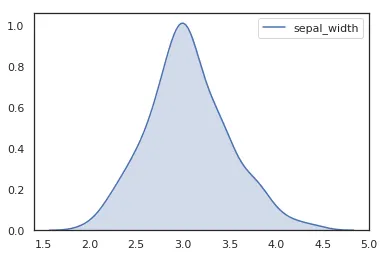
In recent Seaborn versions, fill=True is the clearer way to draw the shaded area.
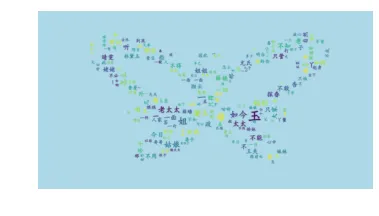
Word clouds, which I’m sure you’ve all seen, are created using wordcloud, a famous Python library. This article will detail how to use wordcloud to create a word cloud for “Dream of the Red Chamber,” one of China’s Four Great Classical Novels.
This involves three parts:
You can install them with pip install wordcloud and pip install jieba.
The .txt file and the font file are bundled so this example is easier to reproduce.
Here’s the code directly:
from wordcloud import WordCloud
import jieba
import matplotlib.pyplot as plt
text = "".join(jieba.cut(open("红楼梦.txt").read()))
wordcloud = WordCloud(font_path="kaibold.ttf").generate(text)
# Display the generated image:
plt.imshow(wordcloud, interpolation='bilinear')
plt.axis("off")
plt.margins(x=0, y=0)
plt.show()

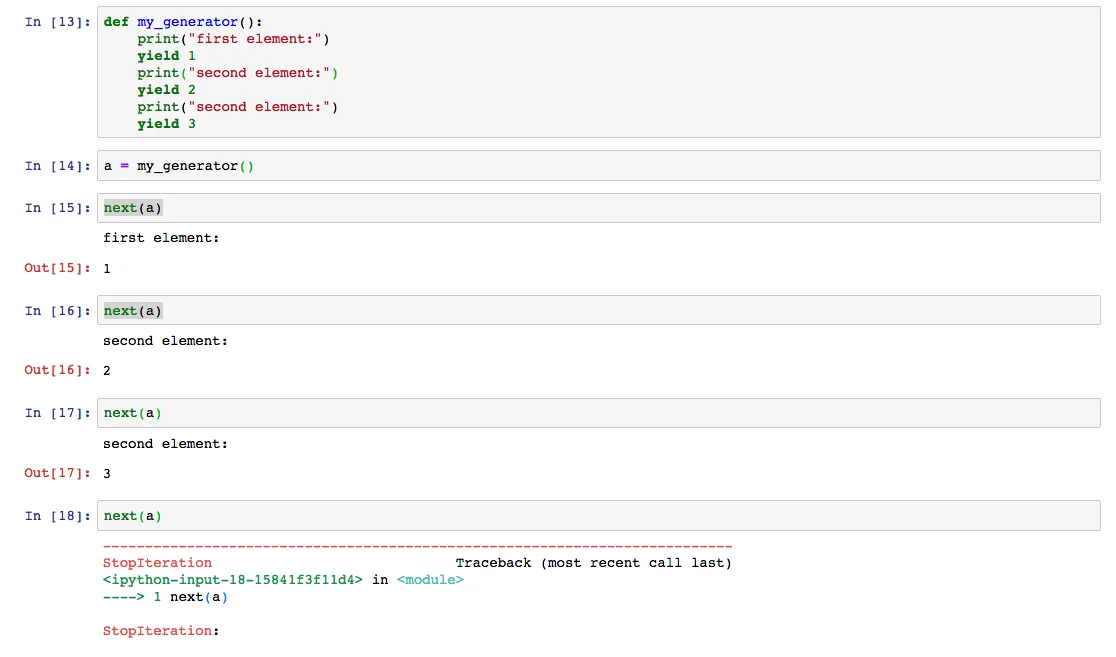
yield with practical examples, including how generator execution pauses and resumes, when generators are useful, and a few common mistakes beginners hit.……