用 Python 校验 JSONL:定位坏行、重复字段和截断记录
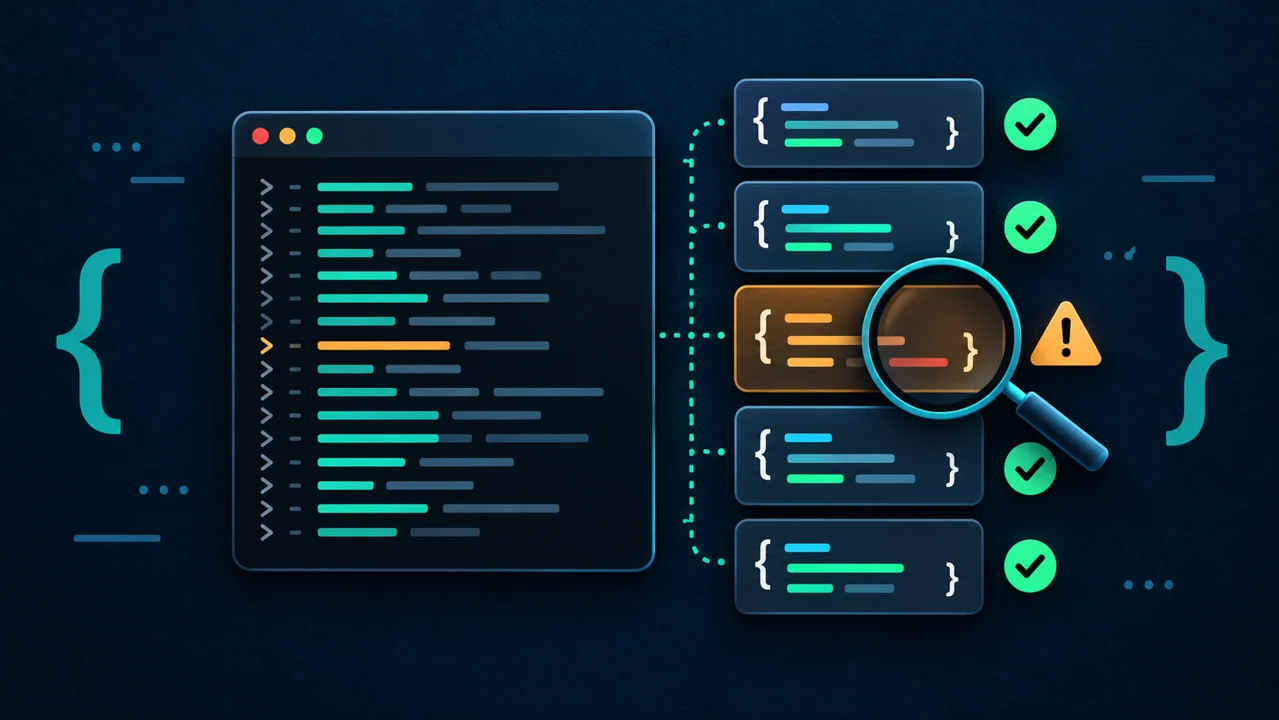
批处理读到一半才报 JSON 错误,究竟是哪一行坏了?直接对整个 JSONL 文件调用 json.load(),还可能遇到 Extra data,因为文件里本来就有多个独立值。
本文面向初学者到中级读者,先用 Python 标准库检查已经写完的 JSONL,再启动后续任务。工具逐行定位错误,只读输入,完整读完才输出成功 JSON。
1. 方法:按物理行校验,再执行任务
JSON Lines 格式说明要求 UTF-8、每行一个 JSON 值,且不能有 BOM。空行不是合法记录;null、数组和数字可以是记录。末行可以没有换行,CRLF 也能使用。
本工具额外拒绝对象内的重复字段,并提供 --objects,用于只接受字典式记录的任务。这是本文选择的数据策略,不是 JSONL 必须只包含对象。默认每行最多 1 MiB,包括行尾 LF 或 CRLF 字节。
如果任务输出被强制终止,最后一条记录可能被截断;可结合 Python SIGTERM 收尾教程处理写入端。本篇负责检查已完成、校验期间不会变化的普通本地文件。
2. 准备环境和测试数据
需要 Python 3.9 或更新版本,无需安装第三方包。命令适用于 bash 或 zsh,示例在 Linux、Python 3.11.4 上验证。
- 创建新目录,后续命令在同一个终端和目录执行;重复实验时换一个目录名:
python3 --version
mkdir jsonl-audit-demo
cd jsonl-audit-demo
printf '{"id":1,"name":"alpha"}\n{"id":2,"name":"beta"}\n' > good.jsonl
printf '{"id":1}\n{"id":}\n' > broken.jsonl
- 将下一节代码保存为
audit_jsonl.py,或下载 完整校验脚本。
3. 完整实现
"""Validate completed UTF-8 JSONL input without changing it. Python 3.9+."""
import argparse
import json
from pathlib import Path
import sys


def line_limit(value):
    number = int(value)
    if not 1 <= number <= 16 * 1024 * 1024:
        raise argparse.ArgumentTypeError("max-line-bytes must be 1..16777216")
    return number


def reject_constant(value):
    raise ValueError(f"non-JSON number token: {value}")


def unique_object(pairs):
    result = {}
    for key, value in pairs:
        if key in result:
            raise ValueError(f"duplicate object key: {key!r}")
        result[key] = value
    return result


def audit(path, max_line_bytes, objects):
    records = 0
    with path.open("rb") as file:
        while True:
            raw = file.readline(max_line_bytes + 1)
            if not raw:
                break
            number = records + 1
            try:
                if len(raw) > max_line_bytes:
                    raise ValueError(f"line exceeds {max_line_bytes} bytes")
                text = raw.decode("utf-8", errors="strict")
                if not text.strip():
                    raise ValueError("blank line is not a JSON value")
                value = json.loads(
                    text,
                    parse_constant=reject_constant,
                    object_pairs_hook=unique_object,
                )
                if objects and not isinstance(value, dict):
                    raise ValueError("expected a JSON object")
            except json.JSONDecodeError as exc:
                raise ValueError(
                    f"line {number}, column {exc.colno}: {exc.msg}"
                ) from exc
            except (ValueError, RecursionError) as exc:
                raise ValueError(f"line {number}: {exc}") from exc
            records += 1
    return {"file": str(path), "records": records, "valid": True}


def main():
    parser = argparse.ArgumentParser(description=__doc__, allow_abbrev=False)
    parser.add_argument("file", type=Path, help="completed, unchanging JSONL file")
    parser.add_argument("--objects", action="store_true", help="require object records")
    parser.add_argument(
        "--max-line-bytes", type=line_limit, default=1024 * 1024,
        help="physical line byte limit, including LF/CRLF (default: 1048576)",
    )
    args = parser.parse_args()
    try:
        result = audit(args.file, args.max_line_bytes, args.objects)
    except (OSError, ValueError) as exc:
        print(f"ERROR: {args.file}: {exc}", file=sys.stderr)
        return 1
    print(json.dumps(result, ensure_ascii=False))
    return 0


if __name__ == "__main__":
    raise SystemExit(main())
Python 官方 json 文档说明,默认解码会接受 NaN 等扩展值,并保留重复字段的最后一个值。这里用 parse_constant 和 object_pairs_hook 拒绝它们,嵌套对象也检查重复字段。
二进制 readline(size) 文档说明其读取量受 size 限制。先读 上限 + 1 字节,再检查长度,可在解析前发现超长行;不会先把整份文件加载进内存。
工具遇到第一个问题就退出。语法错误给出物理行号和 JSON 内的字符列号;编码、重复字段和长度错误给出物理行号。它不检查业务字段、跨记录重复 ID 或数值范围,解析单条记录仍会使用内存;字节上限也不等于完整的资源隔离。
4. 运行并验证成功结果
- 查看帮助并检查对象记录:
python3 audit_jsonl.py --help
python3 audit_jsonl.py good.jsonl --objects > report.json
cat report.json
预期报告:
{"file": "good.jsonl", "records": 2, "valid": true}
- 用断言确认实际内容:
python3 - <<'PY_CHECK'
import json
from pathlib import Path
report = json.loads(Path("report.json").read_text(encoding="utf-8"))
assert report == {"file": "good.jsonl", "records": 2, "valid": True}
print("OK: two valid records")
PY_CHECK
默认模式允许 null、数组等值,--objects 才要求每行是对象。空文件报告 0 条有效记录;如果业务要求至少一条记录,需要在调用端再检查 records > 0。
在已有 CSV 流式处理教程的同类批处理中,也可以采用“逐条检查、最后汇总”的流程,避免保存全部记录。
5. 验证失败退出与任务门槛
- 检查坏行,并立即读取退出码。在交互式终端执行;启用
set -e的脚本应将失败命令放入if条件:
python3 audit_jsonl.py broken.jsonl --objects > failed-report.json
printf 'exit=%s\n' "$?"
wc -c < failed-report.json
预期 stderr 包含 line 2, column 7,退出码为 1,failed-report.json 为 0 字节。重定向仍会创建或截断目标文件,所以不要把它指向已有的重要报告。
- 只在校验成功时启动下一步。下面用一句输出模拟后续任务:
if python3 audit_jsonl.py good.jsonl --objects; then
  python3 -c 'print("NEXT: input accepted")'
else
  printf 'STOP: invalid input\n' >&2
fi
将 good.jsonl 改成 broken.jsonl 后,只会走失败分支,不会打印 NEXT。真实任务必须读取同一份未变化的文件;校验后被改写的输入需要重新检查。
- 验证额外规则和边界:
printf '{"id":1,"id":2}\n' > duplicate.jsonl
printf '{"score":NaN}\n' > nonfinite.jsonl
printf '{}\n{}' > no-final-lf.jsonl
python3 audit_jsonl.py duplicate.jsonl
printf 'exit=%s\n' "$?"
python3 audit_jsonl.py nonfinite.jsonl
printf 'exit=%s\n' "$?"
python3 audit_jsonl.py no-final-lf.jsonl --objects
python3 audit_jsonl.py good.jsonl --max-line-bytes 8
printf 'exit=%s\n' "$?"
前两个检查分别提示 duplicate object key、non-JSON number token,均返回 1;没有末尾换行的文件仍报告 2 条记录。最后一个检查因第一行超过 8 字节而返回 1。正常返回 0,命令行参数错误返回 2。
验证还覆盖了 UTF-8 中文、非法 UTF-8、BOM、空行、CRLF、截断、同一行两个值、嵌套重复字段、深层嵌套、缺失文件,以及恰好达到字节上限的记录。测试同时检查了退出码、stdout、stderr 和输入内容未被修改。
6. 常见问题与修复
| 现象 | 具体修复 |
|---|---|
Extra data |
每行只放一个 JSON 值;普通格式化 JSON 跨多行时,重新导出为 JSONL。 |
blank line |
检查生成器是否多写空行,修复写入端;不要默默跳过记录。 |
Unexpected UTF-8 BOM 或解码错误 |
从源工具重新导出无 BOM 的 UTF-8;不要用忽略解码错误的方式隐藏数据损坏。 |
duplicate object key |
修复字段重复的生成逻辑;该检查不代表跨记录 ID 唯一。 |
non-JSON number token |
写入端使用 json.dumps(record, allow_nan=False),并事先处理缺失值。 |
expected a JSON object |
若任务确实接受任意 JSON 值,移除 --objects;否则修复记录结构。 |
line exceeds |
确认是否把多行拼成一行;正常的大记录可用 --max-line-bytes 2097152 调整,上限为 16 MiB。 |
| 末行语法错误 | 检查复制中断或写入中断,从源数据重新生成完整文件。 |
如果校验脚本放到定时任务里后找不到输入,按 Linux 定时任务路径排查使用解释器、脚本和输入的绝对路径。
总结
先检查 UTF-8、逐行 JSON 和任务需要的对象规则,再让退出码决定是否启动批处理。保留坏行的位置和原始文件,修复写入端后重新校验。通过校验后仍需检查业务字段,并确保任务读取的文件没有变化。
- 原文作者:春江暮客
- 原文链接:https://www.bobobk.com/python-jsonl-validation.html
- 版权声明:本作品采用 知识共享署名-非商业性使用-禁止演绎 4.0 国际许可协议 进行许可,非商业转载请注明出处(作者,原文链接),商业转载请联系作者获得授权。