Python Native Lists vs. NumPy Arrays
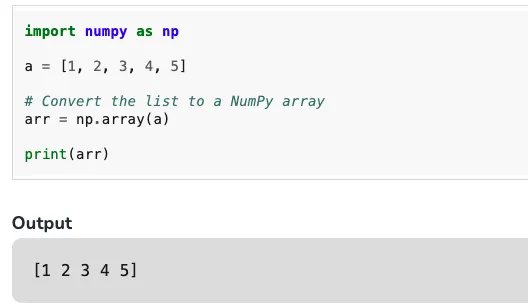
This article uses small examples to compare Python lists and NumPy arrays, focusing on what they do differently in summation, products, and numeric computing workflows.……
春江暮客的个人学习分享网站
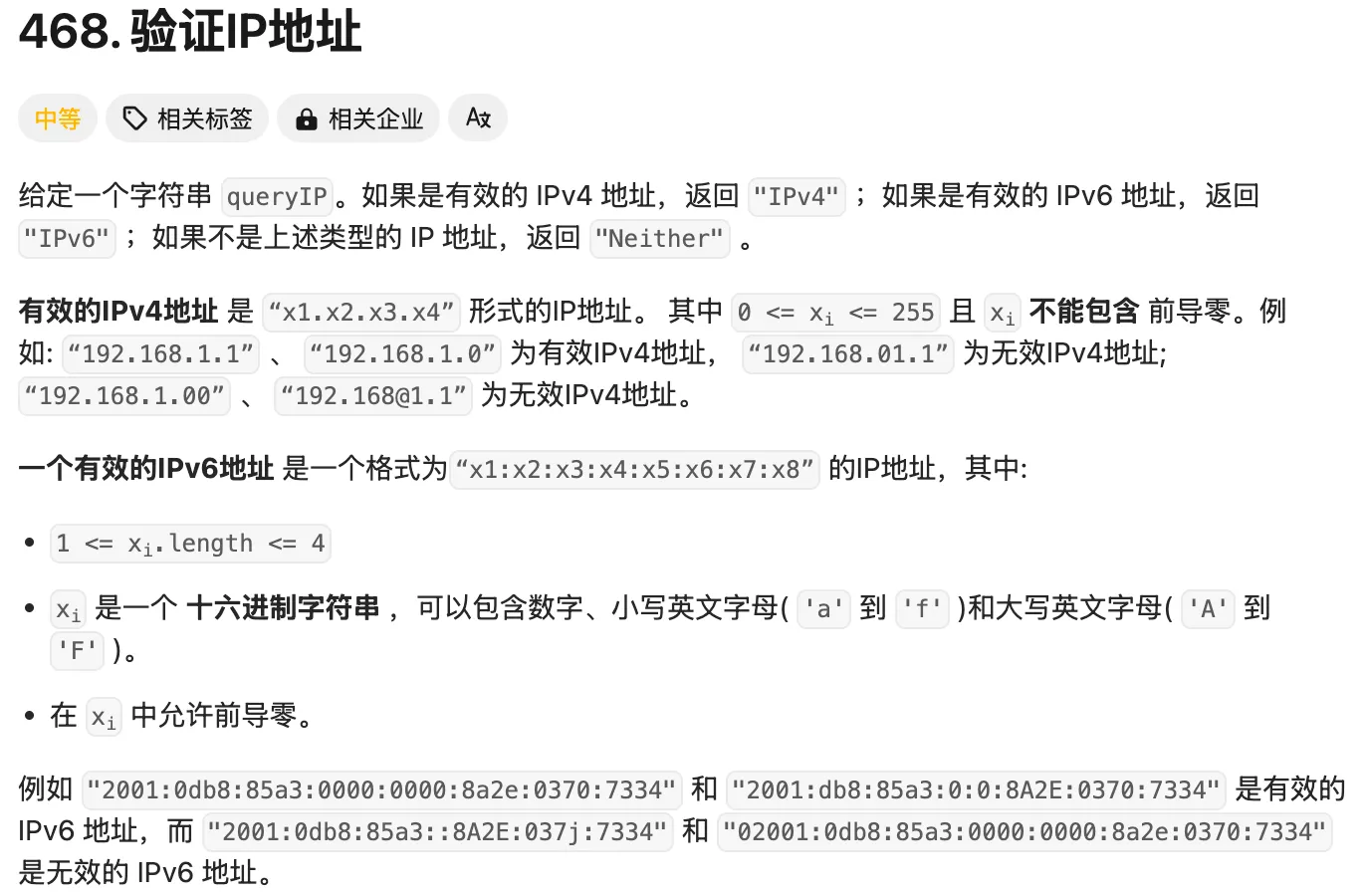
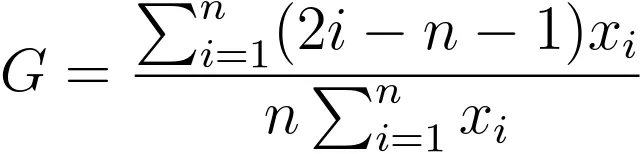
ipaddress module with the stricter problem-specific rules for IPv4 and IPv6.……

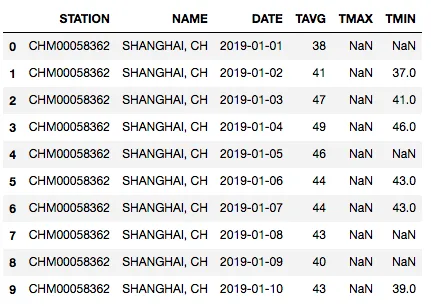
folium to build a global choropleth map from public COVID-19 data, including WHO data loading, country-code mapping, and log-based styling for better readability.……
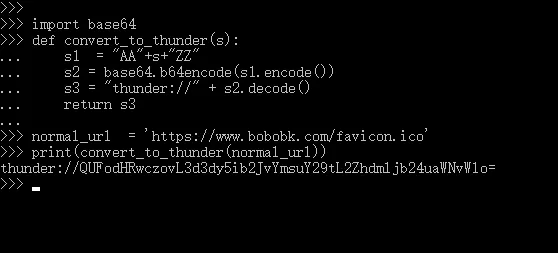
thunder:// Xunlei links, and gives both Python and JavaScript examples for encoding and decoding.……

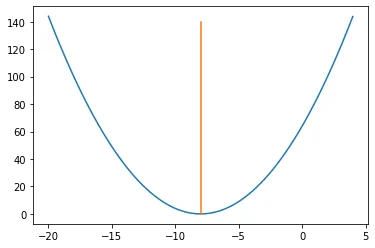
Len array that allow it to run in $O(n)$ time.……
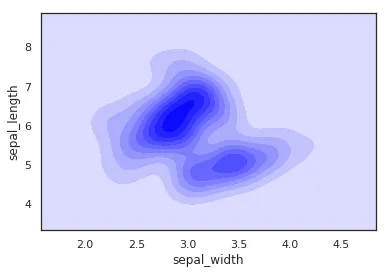
In a frequency distribution histogram, when the sample size is sufficiently enlarged to its limit, and the bin width is infinitely shortened, the step-like broken line in the frequency histogram will evolve into a smooth curve. This curve is called the density distribution curve of the population.
This article walks through how to use Seaborn with the Iris dataset in Pandas to plot several common kinds of kernel density curves.
    import seaborn as sns
    import pandas as pd
    sns.set(color_codes=True)
    sns.set_style("white")
    df = pd.read_csv('iris.csv')
    sns.kdeplot(df['sepal_width'])
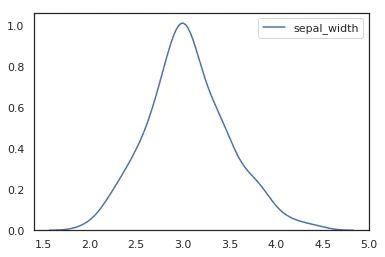
To plot a kernel density curve using Seaborn, you only need to use kdeplot. Note that a density curve only requires one variable; here we choose the sepal_width column.
    import seaborn as sns
    import pandas as pd
    sns.set(color_codes=True)
    sns.set_style("white")
    df = pd.read_csv('iris.csv')
    sns.kdeplot(df['sepal_width'], fill=True)
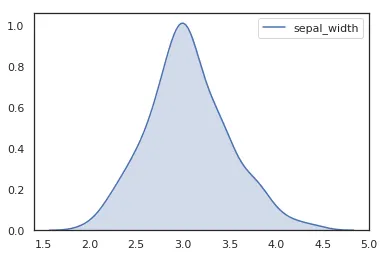
In recent Seaborn versions, fill=True is the clearer way to draw the shaded area.
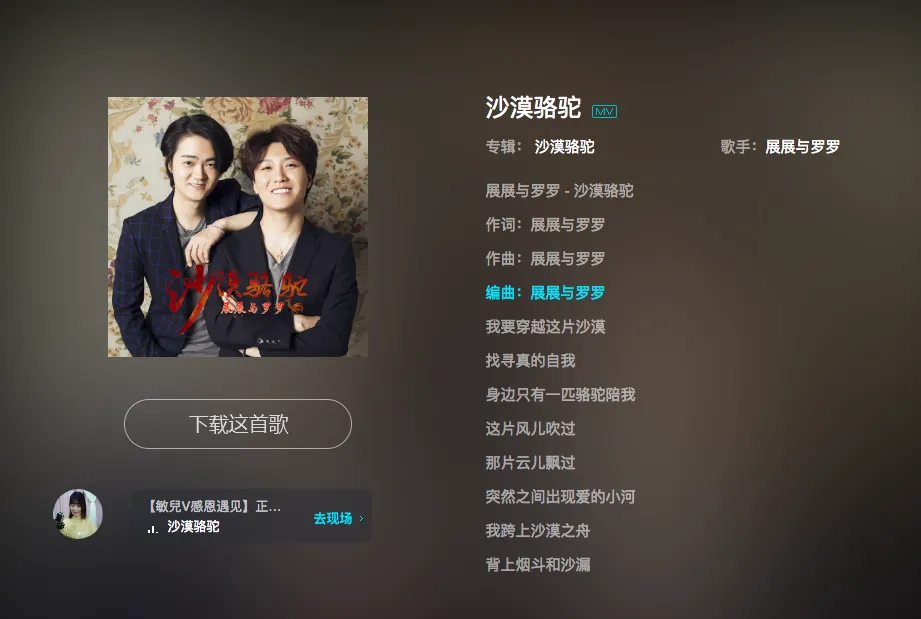
After implementing python for Qianqian Music mp3 download, some users found that many songs couldn’t be searched on Qianqian Music. So today, Chunjian Muke extended the download functionality to Kugou Music, with source code provided.
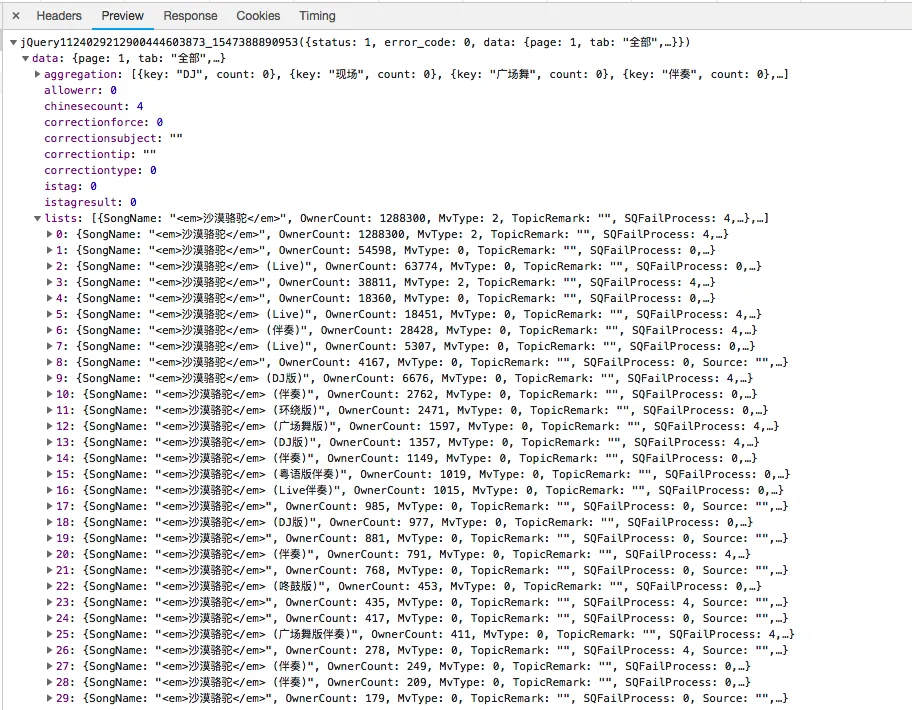
Using the same approach, first search for a song directly on the Kugou official website. Then, open the network monitor in Google Chrome and search for the same keyword again. You’ll then be able to find the API information (Note: It’s best to view the network requests during the second search to filter out unnecessary information).
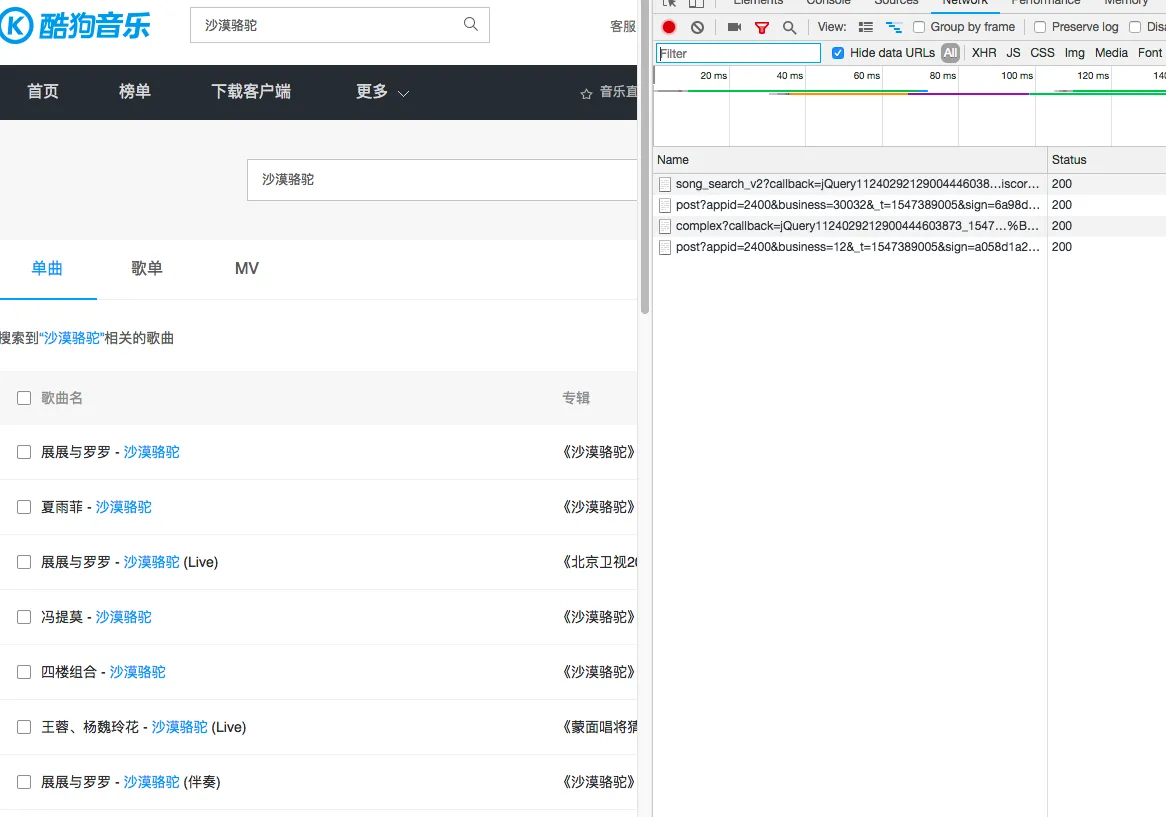 With only 4 network requests, it’s easy to identify that the first request genuinely returns song information, so we can construct this request.